 United States
Enterprise Switch Catalyst 3560-X
Optimize your network infrastructure with Catalyst 3560-X performance-driven design. Ensure robust connectivity, advanced security, and scalable solutions for enterprise-grade deployments demanding reliability and cutting-edge innovation.
Talk to an expert
21 Matching results
- BEST SELLING
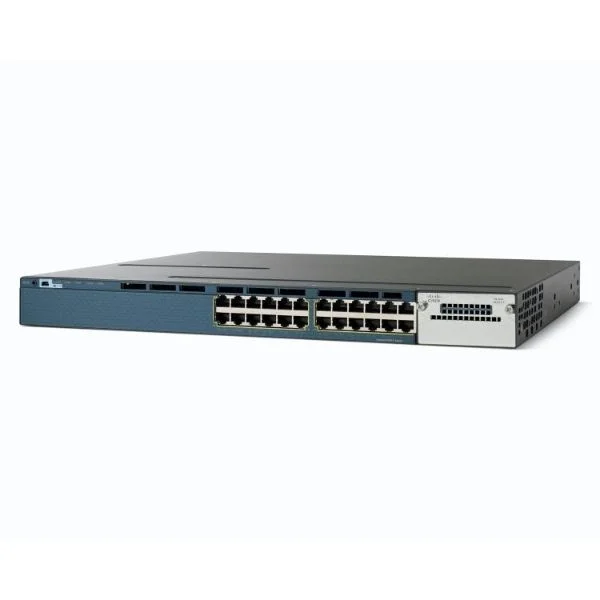
WS-C3560X-24P-L (Catalyst 3560X 24 Port PoE LAN Base)
4.6 (5)- Switch
- Cisco
- AC Power Supply
- Layer 3
- Rack-mount
- 370 W
- 12–24 Ports
Est Value $4,800.00
$1,577.00
67.1% offIn stockRefurbishedFirst-Time Buyer Discount – Get up to 2% additional off on your first order
ORM Rewards Earn $50 in Rewards + Free Expedited Delivery – Join Now!
Use eCoupon ORMSAVE10
eCoupon limited to 5 units
- BEST SELLING
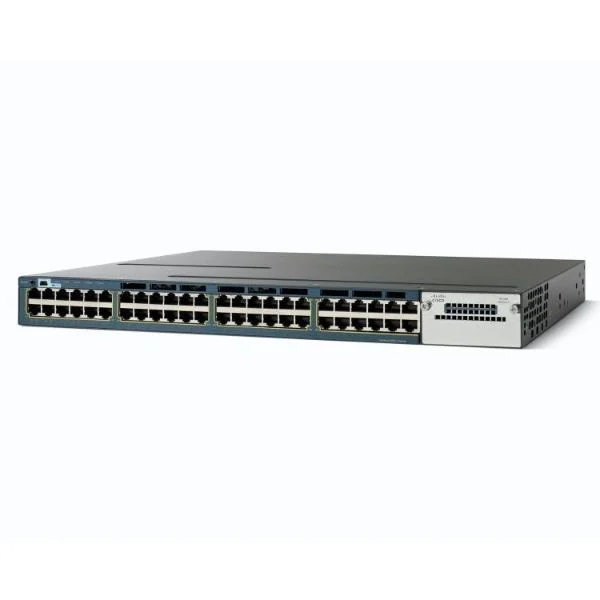
WS-C3560X-48P-S (Catalyst 3560X 48 Port PoE IP Base)
4.4 (5)- Switch
- Cisco
- AC Power Supply
- Layer 2 / Layer 3
- Rack-mount
- 370 W
- 24–48 Ports
Est Value $10,400.00$3,534.00
66% offIn stockRefurbishedFirst-Time Buyer Discount – Get up to 2% additional off on your first order
ORM Rewards Earn $50 in Rewards + Free Expedited Delivery – Join Now!
Use eCoupon ORMSAVE10
eCoupon limited to 5 units
- BEST SELLING
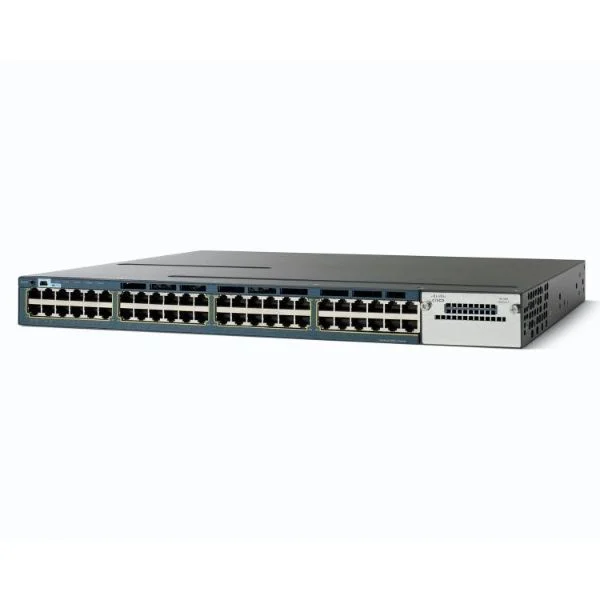
WS-C3560X-48PF-E (Catalyst 3560X 48 Port Full PoE IP Services )
4.8 (5)- Switch
- Cisco
- AC Power Supply
- Layer 2 / Layer 3
- Rack-mount
- 415 W
- 24–48 Ports
Est Value $16,100.00$5,327.00
66.9% offIn stockRefurbishedFirst-Time Buyer Discount – Get up to 2% additional off on your first order
ORM Rewards Earn $50 in Rewards + Free Expedited Delivery – Join Now!
Use eCoupon ORMSAVE10
eCoupon limited to 5 units
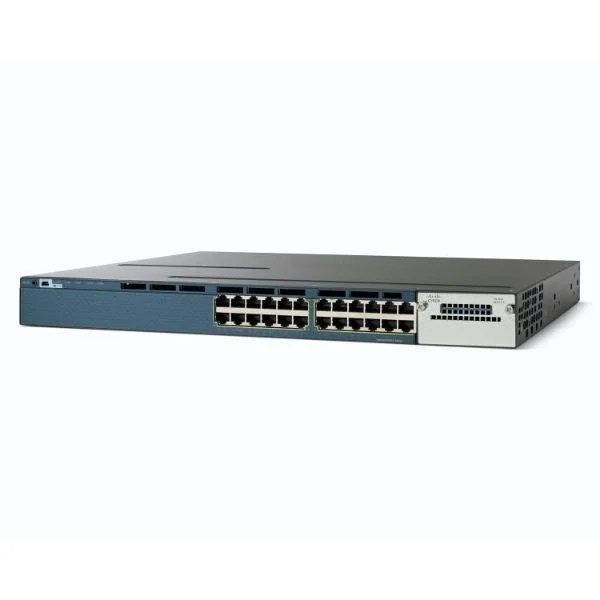
WS-C3560X-24T-L (Catalyst 3560X 24 Port Data LAN Base )
4.8 (5)- Switch
- Cisco
- AC Power Supply
- Layer 2 / Layer 3
- Rack-mount
- 130 W
- 24–48 Ports
Est Value $3,900.00$656.00
83.2% offIn stockRefurbishedFirst-Time Buyer Discount – Get up to 2% additional off on your first order
ORM Rewards Earn $50 in Rewards + Free Expedited Delivery – Join Now!
Use eCoupon ORMSAVE10
eCoupon limited to 5 units
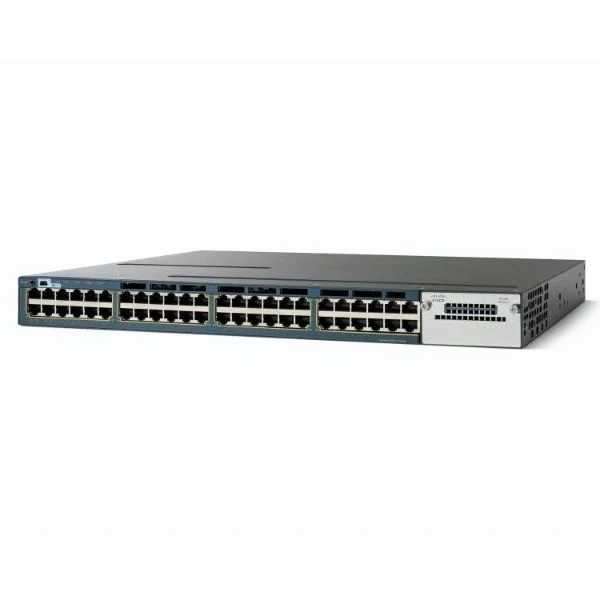
WS-C3560X-48T-S (Catalyst 3560X 48 Port Data IP Base )
4.8 (5)- Switch
- Cisco
- AC Power Supply
- Layer 3
- Rack-mount
- 24–48 Ports
Est Value $8,600.00$735.00
91.5% offIn stockRefurbishedFirst-Time Buyer Discount – Get up to 2% additional off on your first order
ORM Rewards Earn $50 in Rewards + Free Expedited Delivery – Join Now!
Use eCoupon ORMSAVE10
eCoupon limited to 5 units
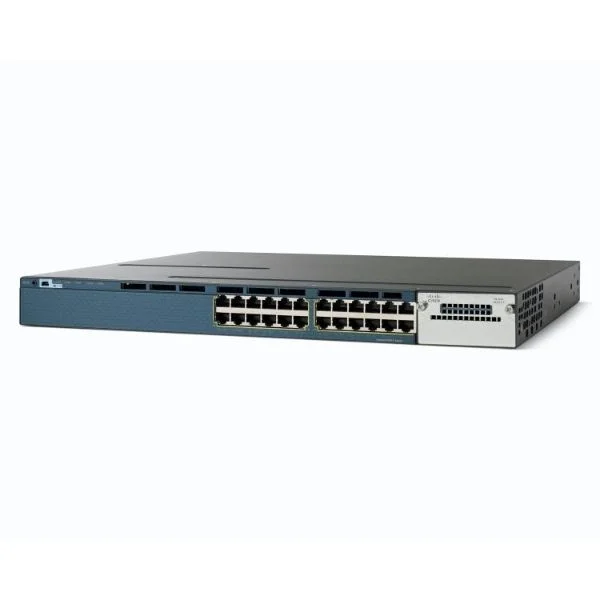
WS-C3560X-24T-S (Catalyst 3560X 24 Port Data IP Base)
4.6 (5)- Switch
- Cisco
- AC Power Supply
- Layer 2 / Layer 3
- Rack-mount
- 215 W
- 12–24 Ports
Est Value $4,900.00$840.00
82.9% offIn stockRefurbishedFirst-Time Buyer Discount – Get up to 2% additional off on your first order
ORM Rewards Earn $50 in Rewards + Free Expedited Delivery – Join Now!
Use eCoupon ORMSAVE10
eCoupon limited to 5 units
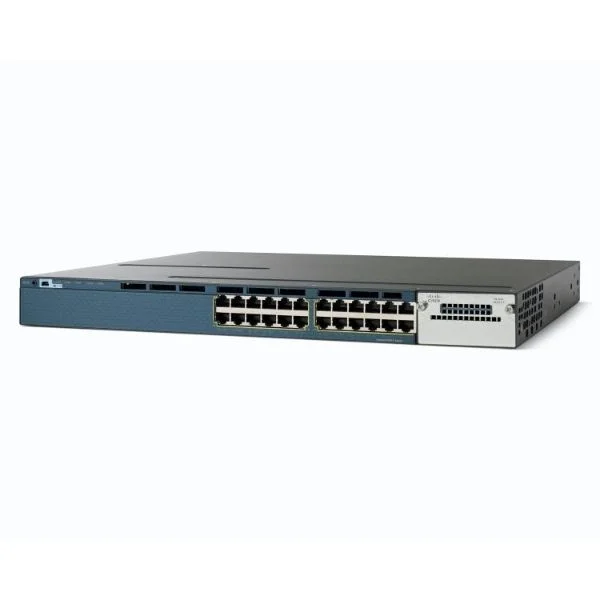
WS-C3560X-24P-S (Catalyst 3560X 24 Port PoE IP Base )
4.8 (5)- Switch
- Cisco
- AC Power Supply
- Layer 2 / Layer 3
- Rack-mount
- 77.4 W
- 12–24 Ports
Est Value $5,900.00$2,267.00
61.6% offIn stockRefurbishedFirst-Time Buyer Discount – Get up to 2% additional off on your first order
ORM Rewards Earn $50 in Rewards + Free Expedited Delivery – Join Now!
Use eCoupon ORMSAVE10
eCoupon limited to 5 units
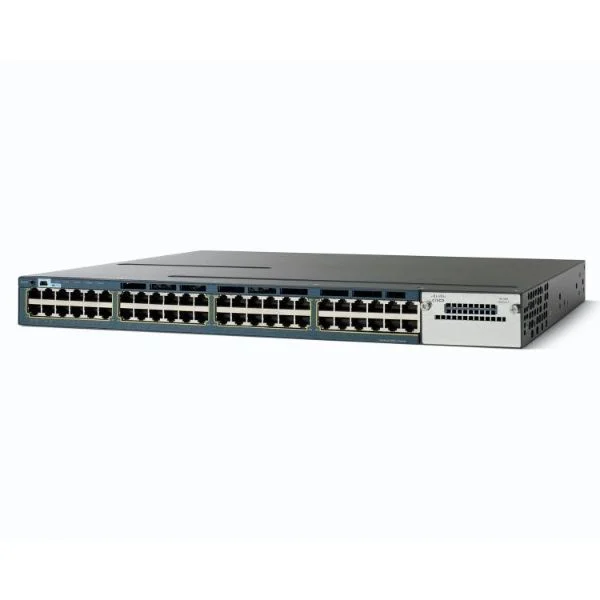
WS-C3560X-48T-L (Catalyst 3560X 48 Port Data LAN Base )
4.4 (5)- Switch
- Cisco
- AC Power Supply
- Layer 2 / Layer 3
- Rack-mount
- 72 W
- 24–48 Ports
Est Value $7,000.00$2,365.00
66.2% offIn stockRefurbishedFirst-Time Buyer Discount – Get up to 2% additional off on your first order
ORM Rewards Earn $50 in Rewards + Free Expedited Delivery – Join Now!
Use eCoupon ORMSAVE10
eCoupon limited to 5 units
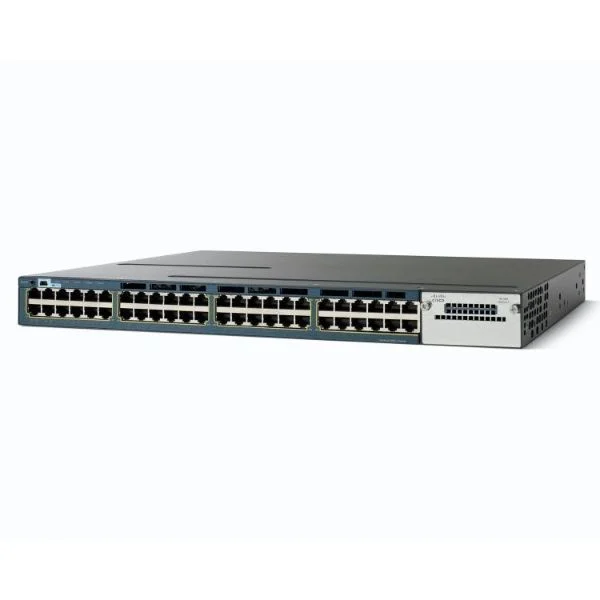
WS-C3560X-48P-L (Catalyst 3560X 48 Port PoE LAN Base )
5 (5)- Switch
- Cisco
- AC Power Supply
- Layer 2 / Layer 3
- Rack-mount
- 370 W
- 24–48 Ports
Est Value $8,700.00$2,695.00
69% offIn stockRefurbishedFirst-Time Buyer Discount – Get up to 2% additional off on your first order
ORM Rewards Earn $50 in Rewards + Free Expedited Delivery – Join Now!
Use eCoupon ORMSAVE10
eCoupon limited to 5 units
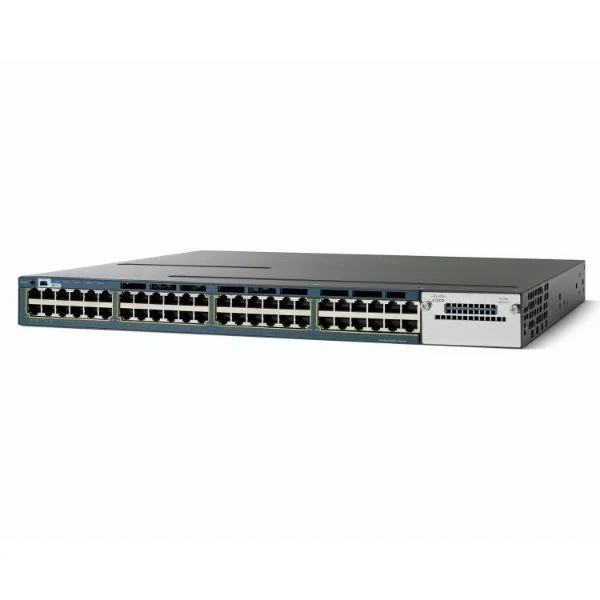
WS-C3560X-48PF-L (Catalyst 3560X 48 Port Full PoE LAN Base )
4.8 (5)- Switch
- Cisco
- AC Power Supply
- Layer 2 / Layer 3
- Rack-mount
- 370W
- 24–48 Ports
Est Value $9,900.00$2,974.00
70% offIn stockRefurbishedFirst-Time Buyer Discount – Get up to 2% additional off on your first order
ORM Rewards Earn $50 in Rewards + Free Expedited Delivery – Join Now!
Use eCoupon ORMSAVE10
eCoupon limited to 5 units
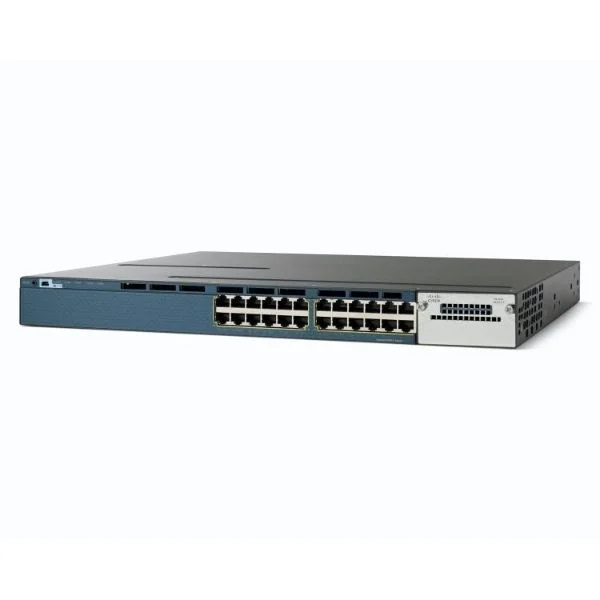
WS-C3560X-24P-E (Catalyst 3560X 24 Port PoE IP Services )
4.4 (5)- Switch
- Cisco
- AC Power Supply
- Layer 2 / Layer 3
- Rack-mount
- 370W
- 12–24 Ports
Est Value $10,500.00$3,155.00
70% offIn stockRefurbishedFirst-Time Buyer Discount – Get up to 2% additional off on your first order
ORM Rewards Earn $50 in Rewards + Free Expedited Delivery – Join Now!
Use eCoupon ORMSAVE10
eCoupon limited to 5 units
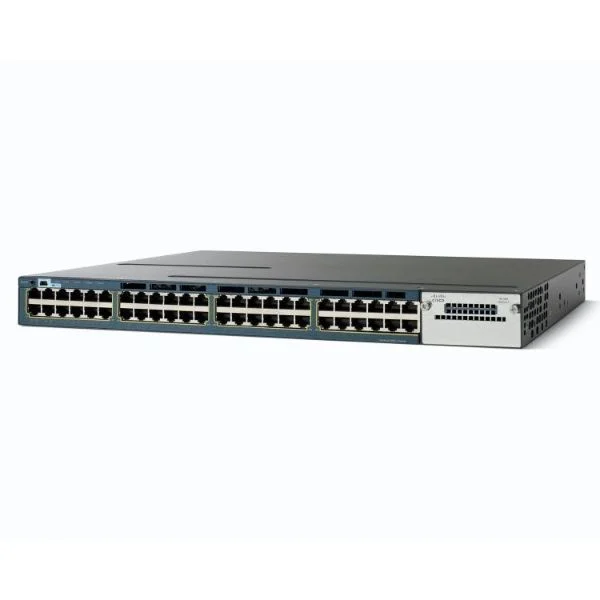
WS-C3560X-24T-E (Catalyst 3560X 24 Port Data IP Services )
4.6 (5)- Switch
- Cisco
- AC Power Supply
- Layer 2 / Layer 3
- Rack-mount
- 110W
- 12–24 Ports
Est Value $9,500.00$3,398.00
64.2% offIn stockRefurbishedFirst-Time Buyer Discount – Get up to 2% additional off on your first order
ORM Rewards Earn $50 in Rewards + Free Expedited Delivery – Join Now!
Use eCoupon ORMSAVE10
eCoupon limited to 5 units
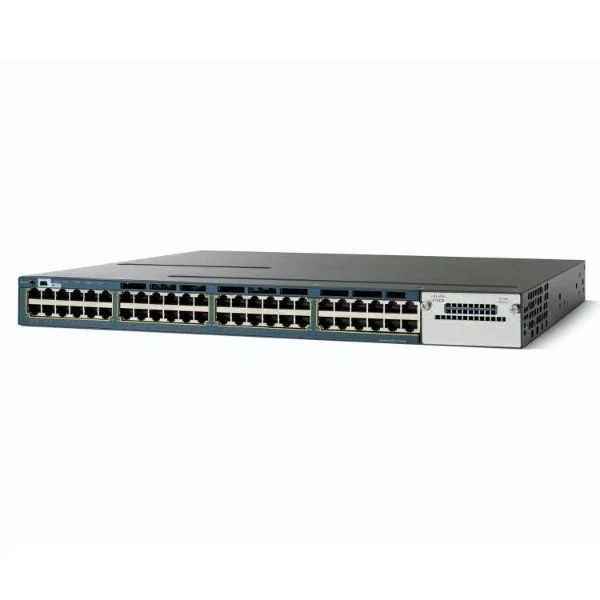
WS-C3560X-48T-E (Catalyst 3560X 48 Port Data IP Services )
4.6 (5)- Switch
- Cisco
- AC Power Supply
- Layer 2 / Layer 3
- Rack-mount
- 255 W
- 24–48 Ports
Est Value $13,200.00$4,367.00
66.9% offIn stockRefurbishedFirst-Time Buyer Discount – Get up to 2% additional off on your first order
ORM Rewards Earn $50 in Rewards + Free Expedited Delivery – Join Now!
Use eCoupon ORMSAVE10
eCoupon limited to 5 units
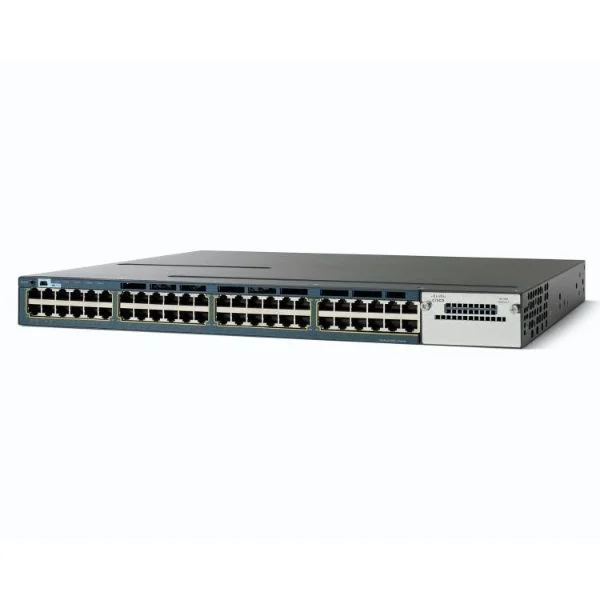
WS-C3560X-48PF-S (Catalyst 3560X 48 Port Full PoE IP Base)
4.6 (5)- Switch
- Cisco
- Redundant Power Supply / AC Power Supply
- Layer 2 / Layer 3
- Rack-mount
- 370 W
- 24–48 Ports
Est Value $11,500.00$4,422.00
61.5% offIn stockRefurbishedFirst-Time Buyer Discount – Get up to 2% additional off on your first order
ORM Rewards Earn $50 in Rewards + Free Expedited Delivery – Join Now!
Use eCoupon ORMSAVE10
eCoupon limited to 5 units
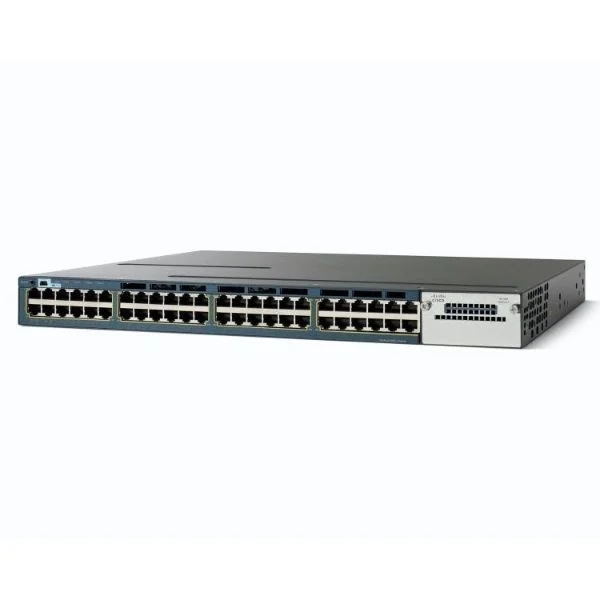
WS-C3560X-48P-E (Catalyst 3560X 48 Port PoE IP Services )
4.6 (5)- Switch
- Cisco
- AC Power Supply
- Layer 2 / Layer 3
- Rack-mount
- 535 W
- 24–48 Ports
Est Value $15,000.00$4,964.00
66.9% offIn stockRefurbishedFirst-Time Buyer Discount – Get up to 2% additional off on your first order
ORM Rewards Earn $50 in Rewards + Free Expedited Delivery – Join Now!
Use eCoupon ORMSAVE10
eCoupon limited to 5 units
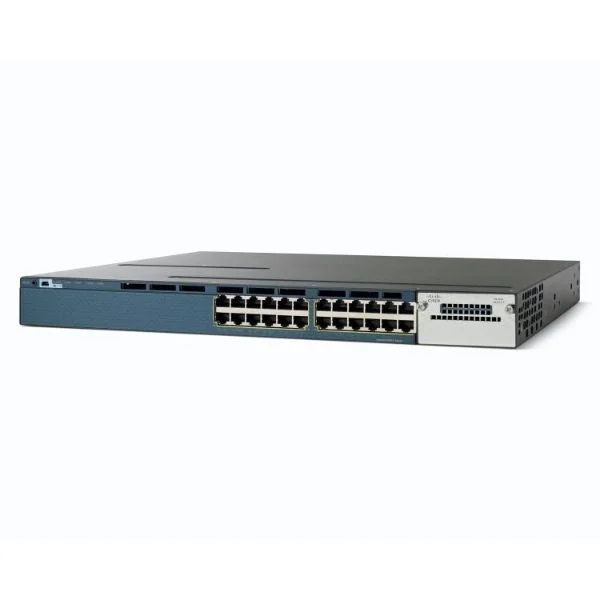
WS-C3560X-24U-S (CATALYST 3560X 24PORT 10/100/1000 UPOE IP BASE)
4.4 (5)- Switch
- Cisco
- AC Power Supply
- Layer 2 / Layer 3
- Rack-mount
- 355W
- 24–48 Ports
Est Value In stockFirst-Time Buyer Discount – Get up to 2% additional off on your first order
ORM Rewards Earn $50 in Rewards + Free Expedited Delivery – Join Now!
Use eCoupon ORMSAVE10
eCoupon limited to 5 units
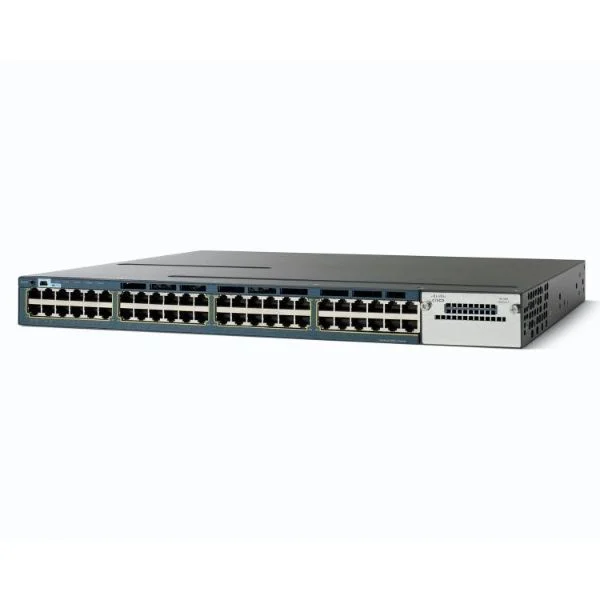
WS-C3560X-48U-L (Catalyst 3560X 48 Port UPOE LAN Base)
4.8 (5)- Switch
- Cisco
- Redundant Power Supply / AC Power Supply
- Layer 3
- Rack-mount
- 365 W
- 24–48 Ports
Est Value In stockFirst-Time Buyer Discount – Get up to 2% additional off on your first order
ORM Rewards Earn $50 in Rewards + Free Expedited Delivery – Join Now!
Use eCoupon ORMSAVE10
eCoupon limited to 5 units
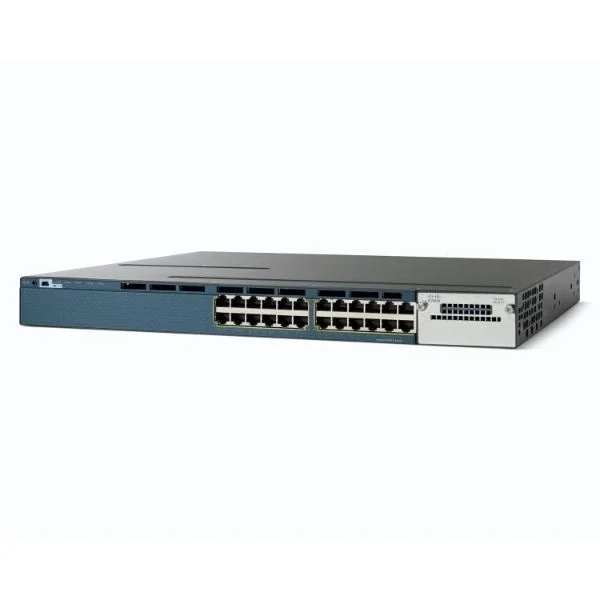
WS-C3560X-24U-E (CATALYST 3560X 24 PORT UPOE IP SVCS)
5 (5)- Switch
- Cisco
- AC Power Supply
- Layer 2 / Layer 3
- Rack-mount
- 220 W
- 12–24 Ports
Est Value In stockFirst-Time Buyer Discount – Get up to 2% additional off on your first order
ORM Rewards Earn $50 in Rewards + Free Expedited Delivery – Join Now!
Use eCoupon ORMSAVE10
eCoupon limited to 5 units
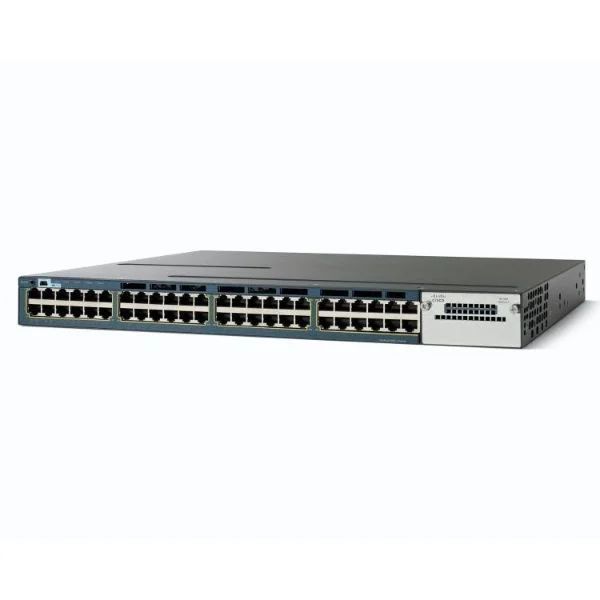
WS-C3560X-48U-E (Catalyst 3560X 48 Port UPOE IP Services)
4.2 (5)- Switch
- Cisco
- AC Power Supply
- Layer 2 / Layer 3
- Rack-mount
- 370 W
- 24–48 Ports
Est Value In stockFirst-Time Buyer Discount – Get up to 2% additional off on your first order
ORM Rewards Earn $50 in Rewards + Free Expedited Delivery – Join Now!
Use eCoupon ORMSAVE10
eCoupon limited to 5 units
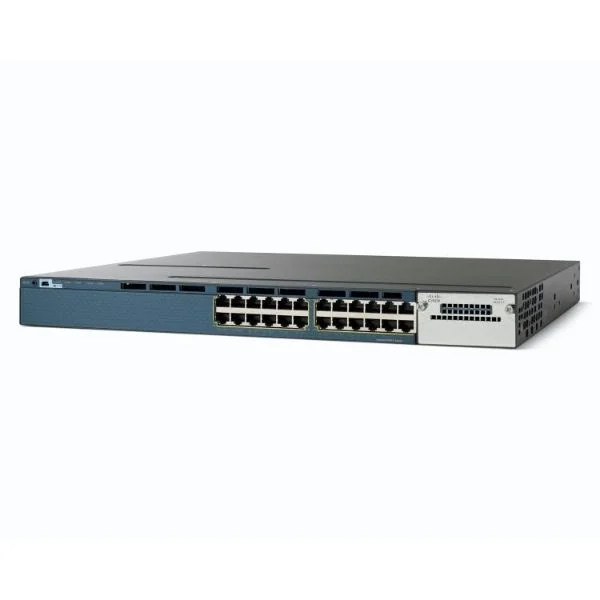
WS-C3560X-24U-L (CATALYST 3560X 24PORT UPOE LAN BASE)
4.4 (5)- Switch
- Cisco
- AC Power Supply
- Layer 2
- Rack-mount
- 12–24 Ports
Est Value In stockFirst-Time Buyer Discount – Get up to 2% additional off on your first order
ORM Rewards Earn $50 in Rewards + Free Expedited Delivery – Join Now!
Use eCoupon ORMSAVE10
eCoupon limited to 5 units

ORM Sales Advisors
Buying for your business? Get a personalised quote in under 2 hours. Talk to an expert
LEARNFilters (21) 
Questions & Answers
What is the Cisco Catalyst 3560-X switch?
The Cisco Catalyst 3560-X is a fixed, enterprise-class access switch offering up to 48 Gigabit Ethernet ports with optional Power over Ethernet (PoE+), advanced security, and resilient stacking capabilities for campus and branch deployments.
How many ports does the Catalyst 3560-X support?
The Catalyst 3560-X family supports models with 24 or 48 Gigabit Ethernet ports, and optional PoE+ on all ports, plus two SFP uplink interfaces for fiber connectivity.
Does the 3560-X support Power over Ethernet (PoE)?
Yes, select Catalyst 3560-X models provide up to 740W of PoE+ power per switch, enabling simultaneous support for IP telephones, wireless access points, and surveillance cameras.
What stacking options are available on the Catalyst 3560-X?
The 3560-X uses FlexStack® technology to stack up to four units into a single logical switch, delivering up to 40 Gbps of stack bandwidth and simplified management.
What licensing options are offered for the 3560-X?
Cisco offers two main license tiers: IP Base for Layer 2 switching, basic QoS, and security features, and IP Services for advanced Layer 3 routing, MPLS, and multicast support.
Is the Catalyst 3560-X suitable for voice and video traffic?
Yes. The Catalyst 3560-X includes hardware-based QoS, multicast optimization, and up to 740W PoE+ to prioritize and power IP phones and video endpoints with low latency.
What is the switching capacity of the 3560-X?
Each Catalyst 3560-X switch delivers up to 176 Gbps of switching capacity and a forwarding rate of up to 130 Mpps, ensuring wire-speed performance for all ports.
What security features are built into the Catalyst 3560-X?
Built-in security includes 802.1X port-based authentication, Dynamic ARP Inspection, IP Source Guard, and flexible MAC-ACLs to safeguard network access and integrity.
How do I upgrade the operating system on the 3560-X?
Use Cisco IOS Software images downloaded from Cisco.com and upgrade via TFTP, FTP, or USB by following the Catalyst 3560-X installation guide to ensure compatibility and stability.
What is the warranty and support lifecycle for the 3560-X?
The Catalyst 3560-X ships with a limited lifetime hardware warranty and 90 days of Cisco TAC support; extended services, including software updates and advanced replacement, are available via Cisco SMARTnet®.
Can the 3560-X be deployed in small branch offices?
Yes. Its compact form factor, PoE+ support, and integrated security make the Catalyst 3560-X ideal for small branch deployments requiring reliable connectivity and centralized management.
What virtualization features are supported on the 3560-X?
The switch supports Cisco Easy Virtual Network (EVN) and VLANs, enabling segmentation of multiple logical networks on a single physical device for multi-tenant and data center edge use cases.
How does the 3560-X differ from the Catalyst 2960 series?
Compared to the 2960, the 3560-X offers higher switching capacity, Layer 3 routing, advanced QoS, FlexStack stacking, and optional PoE+, making it better suited for converged enterprise access.
What uplink modules are compatible with the 3560-X?
Compatible uplink options include fixed SFP slots supporting 1G fiber, and field-installable dual-gigabit Ethernet Small Form-Factor Pluggable (SFP) modules for flexible fiber or copper connectivity.
Where can I purchase the Catalyst 3560-X switch?
You can purchase the Catalyst 3560-X through authorized Cisco partners, resellers, or the Cisco online storefront; ensure you request genuine Cisco hardware and services for full support.