 United States
Trusted by the Highest-Stakes Buyers
Federal agencies and Fortune 500 operations source through ORM Systems.
US Government & Defense
Enterprise Clients

Featured Deal
Hand-picked by our procurement team for standout value. This unit is offered at our sharpest price on current stock, verified against live market rates.
Name:

Added to cart 28 times recently
Ready to Ship
Certified Refurbished
Professionally inspected, bench-tested, and firmware-verified, with configurations wiped. Restored to full working order and backed by our warranty.

$181.15
$154.6314.6% off
Quantity:


3 Year Extended Warranty


Same-day Shipping

30-Day Money Back Guarantee
Shipping:
Payment:
3 Year Extended Warranty
Same-day Shipping
30-Day Money Back Guarantee
Need Additional Discount on Product?
Request a quote below - Get Exclusive Pricing and Support.
Shipping:
Payment:
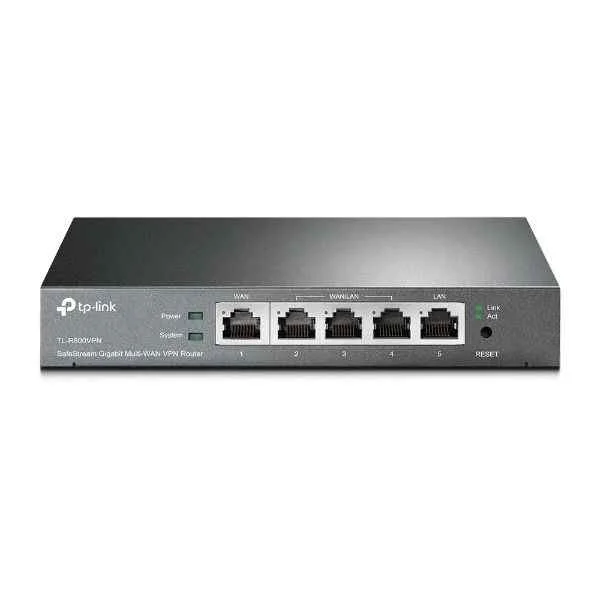
TL-R600VPN
TL-R600VPN - Ethernet WAN - Gigabit Ethernet - SIM card slot...
Trusted by the Highest-Stakes Buyers
Federal agencies and Fortune 500 operations source through ORM Systems.
US Government & Defense




Enterprise Clients



Built Global. Stocked Local.
Regional teams and 25+ distribution partners keep stock near you and accountability in your time zone.
Buyer Protection on Every Order
Pay by PayPal or Revolut with full chargeback rights. Order on PO terms, Net-30 for government.
Verified By Federal Bodies
Every registration we claim is public record — check our federal contractor status yourself before you spend a dollar.



Since 2016, Enterprise-Trusted
Ten years serving buyers who audit their vendors. From federal agencies to 20,000+ enterprise clients worldwide.
TL-R600VPN is a VPN router built with a fixed architecture that operates on an AC power supply and provides dedicated network interfaces, including 1 WAN port and 4 LAN ports, all supporting 10/100/1000 Ethernet technology. It delivers advanced VPN capabilities through support for IPSec, PPTP, and L2TP protocols while incorporating integrated services such as static routing and built-in firewall functions for secure, efficient data transfer.
TL-R600VPN is engineered for small business use cases, offering remote management via HTTPS, SNMP, and CLI and ensuring compliance with industry standards like CE and FCC. Its design emphasizes high throughput capacity (approximately 0.1 Gbps), QoS features, and a desktop form factor that meets the demands for reliable connectivity and performance in secure network environments.
TL-R600VPN price for new stock is is available on request. Get immediate quote. TL-R600VPN refurb price is $154.63.
Request bulk order quote for TL-R600VPN for additional pricing. Browse the full Tp-Link Routers series or explore all Tp-Link products.
Mon–Fri: [09:00-16:00]
Avg. response under 30 mins

| TL-R600VPN | 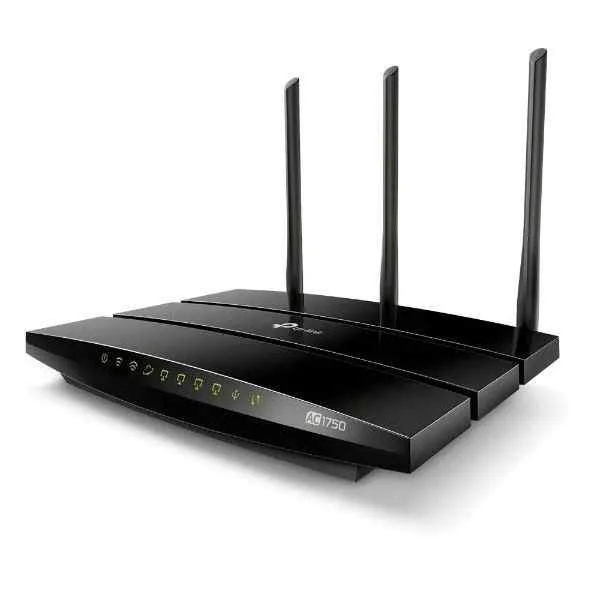 ARCHER C7 ARCHER C7 | 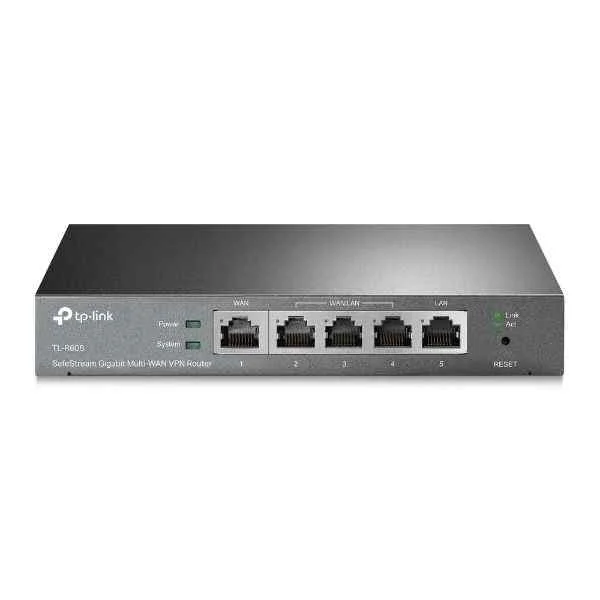 TL-R605 TL-R605 | 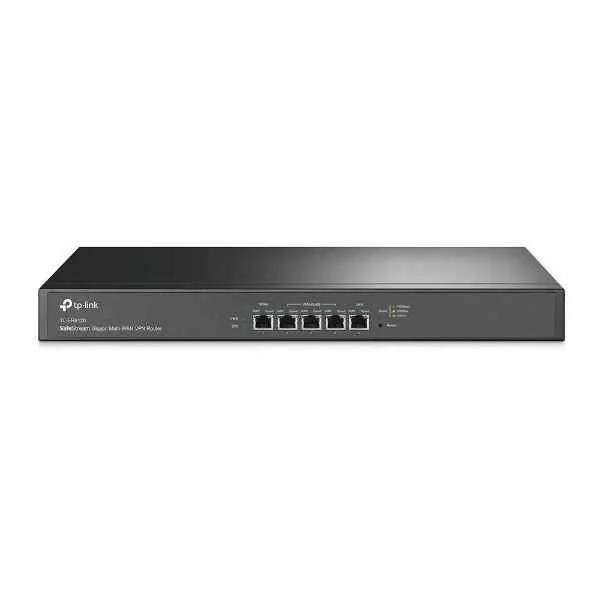 TL-ER6120 TL-ER6120 | 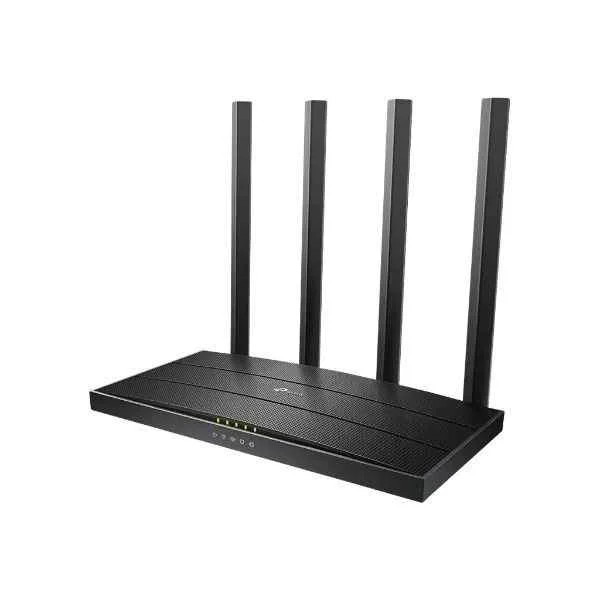 ARCHER C80 ARCHER C80 | |
|---|---|---|---|---|---|
| 5G Support | No | No | No | No | No |
| Architecture | Fixed | Fixed | Fixed | Modular | Fixed |
| Built-in Security Features | Firewall, Intrusion Prevention | Firewall | Firewall / Intrusion Prevention | Firewall, Intrusion Prevention | Firewall, Intrusion Prevention |
| Compliance Standards | CE, FCC | FCC, CE | FCC / CE / RoHS | CE, FCC | FCC, CE |
| Connectivity Type | Wired | Wired / Wireless | Wired | Wired | Wired / Wireless |
| Device Type | Router | Router | Router | Router | Router |
| Ethernet Technology | 10/100/1000 | 10/100/1000 | 10/100/1000 | 10/100/1000 | 10/100/1000 |
| Features | VPN, IPv6 Compatible, Firewall | Dual Band, Guest Network, QoS, WPS | VPN / Firewall / IPv6 Compatible | VPN, Firewall, IPv6 Compatible | VPN Pass-through, IPv6 Compatible, Firewall |
| Firewall Features | Yes | Yes | Yes | Yes | Yes |
| Flash Memory | 256 MB | 16 MB | 256 MB | 512 MB | 128 MB |
| Form Factor | Desktop | Desktop | Desktop | Rack-mount | Desktop |
| High Availability Support | Not Supported | Not Supported | Supported | Supported | Not Supported |
| Interface Ports | RJ-45 | RJ-45 | RJ-45 | RJ-45, SFP | RJ-45 |
| LAN Ports | 4 LAN Ports | 4 LAN Ports | 4 LAN Ports | 4 LAN Ports | 4 LAN Ports |
| Management | Managed | Managed | Managed | Managed | Unmanaged |
| Memory | 512 MB | 128 MB | 512 MB | 2 GB | 256 MB |
| Network Protocols | TCP/IP, UDP, ICMP | IEEE 802.11a/b/g/n/ac | IPv4 / IPv6 | IPv4, IPv6 | IPv4, IPv6 |
| Power Source | AC Power Supply | AC Power Supply | DC Power Supply | AC Power Supply / Redundant | AC Power Supply |
| Product Name | TL-R600VPN | TP-Link Archer C7 AC1750 Wireless Dual Band Gigabit Router | TP-Link TL-R605 Gigabit Multi-WAN VPN Router | TP-LINK TL-ER6120 Enterprise Router | TP-Link Archer C80 AC1900 Wireless Dual Band Gigabit Router |
| Product Type | VPN Router | Wireless Router | Enterprise Router | Enterprise Router | Enterprise Router |
| QoS Features | Supported | Supported | Supported | Supported | Supported |
| Remote Management | HTTPS, SNMP, CLI | Web-based management | HTTP/HTTPS / SNMP | HTTPS, SNMP, Telnet | HTTP, HTTPS |
| Routing Protocols | Static Routing | Static Routing | Static Routing | OSPF / BGP / RIP / Static Routing | Static Routing |
| Speed/Capacity | Gigabit | AC1750 | Gigabit | Gigabit | Gigabit |
| Stacking Capability | No | No | No | Yes | No |
| Throughput Capacity | 0.1 Gbps | AC1750 | 3.5 Gbps | 1 Gbps | 1.9 |
| Use Case | Small Business | Home / Small Business | Small Business | Enterprise | Small Business |
| WAN Configuration | WAN | WAN | Dual WAN | Dual WAN | WAN |
| WAN Ports | 1 WAN | 1 WAN | 2 WAN | 2 WAN | 1 WAN |
| Wireless Support | No | Yes | No | No | Yes |


Every unit is authentic, sourced through trusted and authorised channels, and serial-verified on request. Genuine networking and IT hardware, guaranteed, or your money back.

New products are backed by up to 3 years of extended warranty, and certified refurbished units by up to 3 months, for dependable protection on every order. Coverage is clear, honoured in full, and confirmed on each product page.

If a unit ever falls short, our streamlined RMA process gets a replacement to you fast, with advance replacement available to keep your network running. No jargon, no runaround.

Every device is inspected, bench-tested, and firmware-verified, with configurations wiped before dispatch. Additional testing can be arranged to confirm full working condition on request.

Our specialists assist with compatibility, configuration, licensing, and installation, before and after you buy. Real hardware expertise, whenever you need it.

dispatched quickly and shipped worldwide from regional hubs, fully tracked and insured.
Reviewed on the 22 October 2023

Stable VPN routing with reliable WAN failover.
Reviewed on the 23 March 2018
Consistent Gigabit throughput for branch connectivity.
Reviewed on the 30 September 2020
Secure remote access and dependable performance.
Reviewed on the 20 August 2020
Professional VPN router with strong stability.
Reviewed on the 23 August 2018
Easy configuration and secure encrypted connections.
Reviewed on the 27 December 2021
Reliable wired router supporting multiple tunnels.
The TL-R600VPN is a business-grade VPN router featuring Ethernet WAN, dual Gigabit LAN ports and a SIM card slot. It’s ideal for small offices and remote sites needing secure, reliable connectivity.
It supports PPTP, L2TP, and IPSec VPN tunnels, enabling secure site-to-site and remote-access connections with up to 16 concurrent VPN sessions.
Power off the router, insert a compatible 4G SIM card into the SIM slot, power on the device, then configure the APN settings via the web management interface under Network > Dial-up.
The Ethernet WAN port supports up to 1 Gbps uplink bandwidth. When using the SIM card slot for 4G backup, speeds depend on your mobile network provider.
Yes. You can configure WAN failover between the primary Ethernet WAN and the cellular 4G SIM connection. If your cable link fails, the router automatically switches to the SIM network.
Log in to the web interface, navigate to VPN > IPSec/L2TP/PPTP, create a new tunnel by entering remote peer IP, pre-shared key, and encryption settings, then apply to activate.
It offers SPI firewall, DoS defense, IP/MAC/URL filtering, access control, and dedicated VPN encryption. These ensure secure internet access and protect against external threats.
With two Gigabit LAN ports and advanced NAT performance of up to 800 Mbps, it can support dozens of clients through downstream switches, depending on network load.
Yes. It fully supports IPv6, allowing you to use next-generation IP addressing alongside IPv4 in dual-stack mode for future-proof network deployments.
You can manage the router via its intuitive web GUI, Command Line Interface (CLI), SNMP, or TR-069, enabling remote monitoring and configuration for IT administrators.
It consumes less than 8 watts under typical load, thanks to its energy-saving design. You can enable schedule-based power-saving modes to reduce consumption further.
Measuring 180×120×36 mm and weighing 0.45 kg, it features a compact desktop form factor. Wall-mount brackets are included for flexible placement.
Yes. It includes a 3-year limited hardware warranty and free technical support from TP-Link’s global service network, valid from the date of purchase.
Press and hold the Reset button on the back panel for 10 seconds while the router is powered on. The LEDs will blink to indicate a successful reset to factory defaults.
Yes. The router supports Quality of Service (QoS) by bandwidth control and service priority, allowing you to assign guaranteed speeds to critical applications.
The SIM card slot supports standard 4G LTE bands (B1/B3/B7/B8/B20). Compatibility may vary by region and carrier; check your provider’s band support before deployment.







