 United States
Wireless Security Fortinet Excellence
Fortinet Wireless delivers robust, high-performance network protection that guarantees enterprise-grade security, seamless connectivity, and advanced threat mitigation for dynamic, modern digital environments worldwide.
Talk to an expert
Fortinet Fortiap Wireless Access Point
(16)Fortinet FortiAP wireless access points serve secure branch wireless LANs with FortiGate-managed policy, 802.11ac or 802.11ax, and PoE
16 Matching results
- BEST SELLING
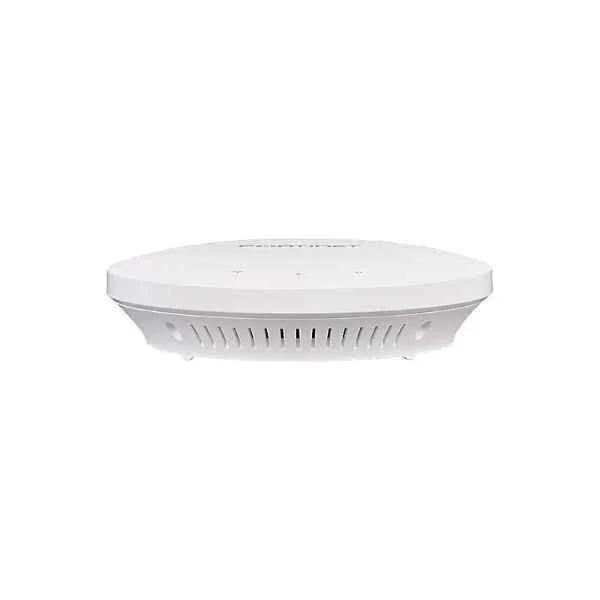
FAP-221E (Fortinet FAP-221E Indoor Wireless AP €” 1x GE RJ45 port, 802.11 a/b/g/n/ac Wave 2, dual radio (2.4 GHz/5 GHz), 2x2 MU-MIMO, ceiling/wall mount kit included, power adapter not included)
4.4 (5)- Wireless Product
- Fortinet
- Access Point
- Wi-Fi 6
- 2.4GHz / 5GHz
- 2.5Gbps
- 100 meters
Est Value $630.00
$315.00
50% offIn stockRefurbishedFirst-Time Buyer Discount – Get up to 2% additional off on your first order
ORM Rewards Earn $50 in Rewards + Free Expedited Delivery – Join Now!
Use eCoupon ORMSAVE10
eCoupon limited to 5 units
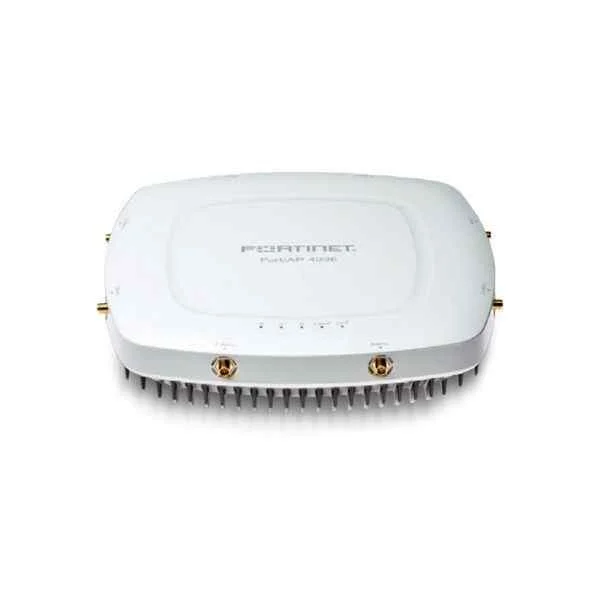
FAP-423E (Fortinet FAP-423E. Indoor wireless AP: Dual radio, External antenna, 2 x GE RJ45 port)
4.4 (5)- Wireless Access Point
- Fortinet
- Access Point
- Wi-Fi 6
- 2.4GHz / 5GHz
- 1Gbps
- 150 meters
Est Value $289.28$144.64
50% offIn stockRefurbishedFirst-Time Buyer Discount – Get up to 2% additional off on your first order
ORM Rewards Earn $50 in Rewards + Free Expedited Delivery – Join Now!
Use eCoupon ORMSAVE10
eCoupon limited to 5 units
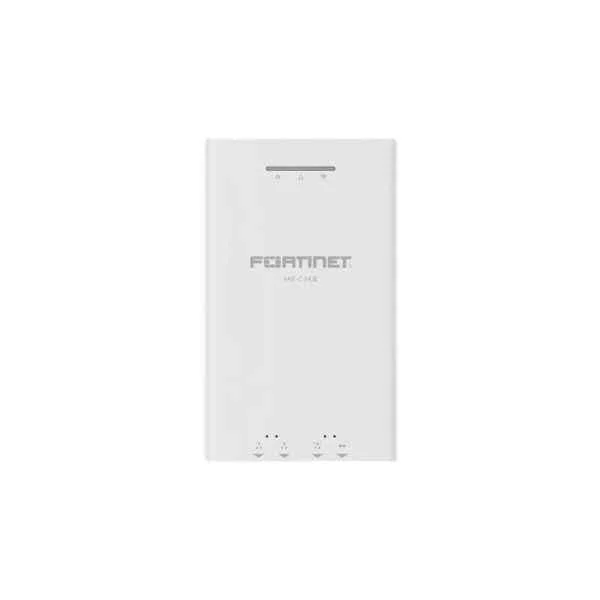
FAP-C24JE (FAP-C24JE is a performance/price competitive 2.4 GHz/5 GHz concurrent MU-MIMO wall plate AP with support of PoE IP phone and RJ45 passthrough. Total WiFi speed is 1167 Mbps (300 Mbps/2.4 GHz + 867 Mbps/5 GHz))
4.8 (5)- Wireless Product
- Fortinet
- Access Point
- Wi-Fi 5
- 2.4GHz / 5GHz
- 1Gbps
- 150 feet
Est Value $438.24$219.12
50% offIn stockRefurbishedFirst-Time Buyer Discount – Get up to 2% additional off on your first order
ORM Rewards Earn $50 in Rewards + Free Expedited Delivery – Join Now!
Use eCoupon ORMSAVE10
eCoupon limited to 5 units
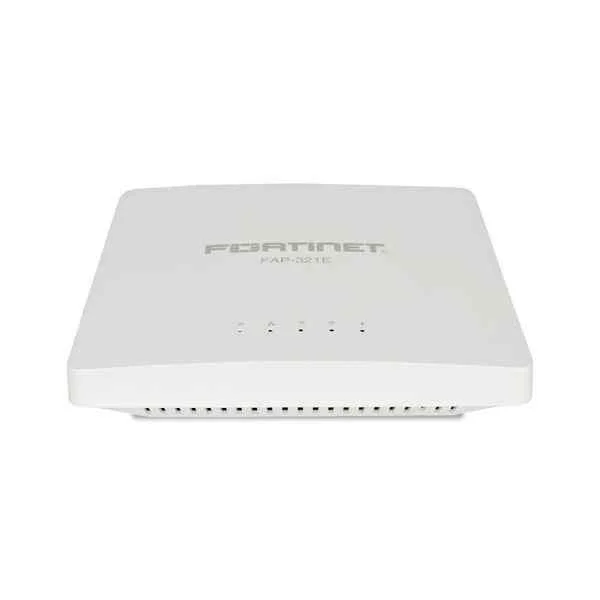
FAP-321E (Fortinet FortiAP 321E, 3x3 MIMO Access Point With Dual Radio, Internal Antennas)
4.6 (5)- Wireless Product
- Fortinet
- Access Point
- Wi-Fi 6
- 2.4GHz / 5GHz
- 1Gbps
- 150 meters
Est Value $461.38$230.69
50% offIn stockRefurbishedFirst-Time Buyer Discount – Get up to 2% additional off on your first order
ORM Rewards Earn $50 in Rewards + Free Expedited Delivery – Join Now!
Use eCoupon ORMSAVE10
eCoupon limited to 5 units
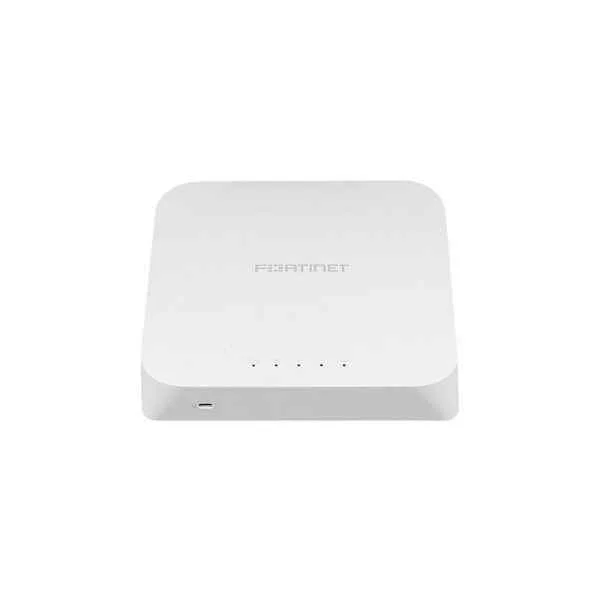
FAP-320C (Indoor wireless AP - 2 x GE RJ45 port, dual radio (802.11 a/n/ac and 802.11 b/g/n, 3x3 MIMO), Ceiling/wall mount kit included, Power adapter not included)
5 (5)- Wireless Product
- Fortinet
- Access Point
- Wi-Fi 6
- 2.4GHz / 5GHz
- 1Gbps
- 150 meters
Est Value $483.84$241.92
50% offIn stockRefurbishedFirst-Time Buyer Discount – Get up to 2% additional off on your first order
ORM Rewards Earn $50 in Rewards + Free Expedited Delivery – Join Now!
Use eCoupon ORMSAVE10
eCoupon limited to 5 units
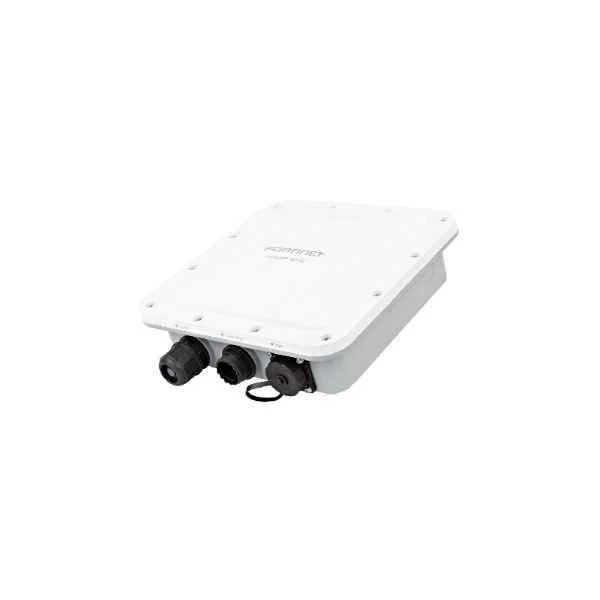
FAP-224E (Fortinet FAP-224E, Outdoor wireless AP: Dual radio, internal antenna, 1 x GE RJ45 port, 1x SFP port)
5 (5)- Wireless Product
- Fortinet
- Access Point
- Wi-Fi 6
- 2.4GHz / 5GHz
- 2.5Gbps
- 100 meters
Est Value $486.94$243.47
50% offIn stockRefurbishedFirst-Time Buyer Discount – Get up to 2% additional off on your first order
ORM Rewards Earn $50 in Rewards + Free Expedited Delivery – Join Now!
Use eCoupon ORMSAVE10
eCoupon limited to 5 units
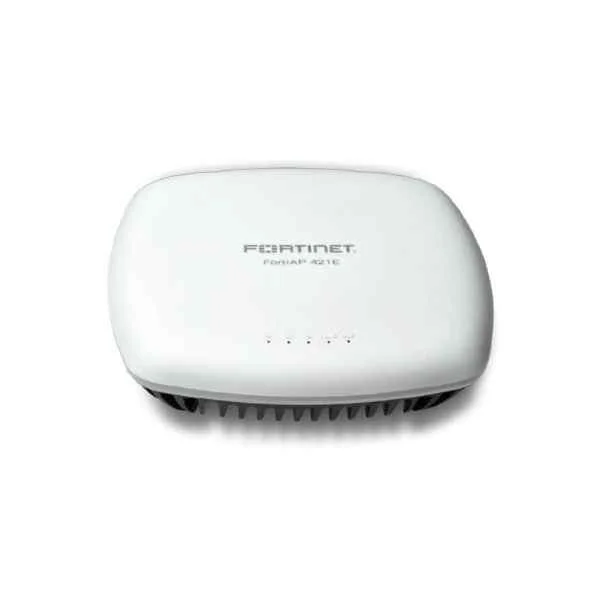
FAP-421E (Fortinet FAP-421E. Indoor Wireless AP €” 2x GE RJ45 ports, 802.11 a/b/g/n/ac Wave 2, dual radio (2.4 GHz/5 GHz), 4x4 MU-MIMO, ceiling/wall mount kit included, power adapter not included. For Gigabit PoE injector order: GPI-130.)
4.6 (5)- Wireless Product
- Fortinet
- Access Point
- Wi-Fi 6
- 2.4GHz / 5GHz
- 2.5Gbps
- 100 meters
Est Value $525.92$262.96
50% offIn stockRefurbishedFirst-Time Buyer Discount – Get up to 2% additional off on your first order
ORM Rewards Earn $50 in Rewards + Free Expedited Delivery – Join Now!
Use eCoupon ORMSAVE10
eCoupon limited to 5 units
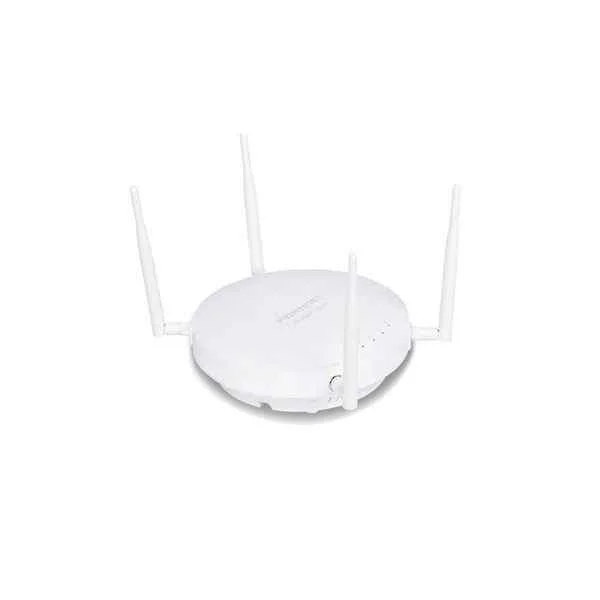
FAP-223E (Fortinet FAP-223E Indoor wireless AP: Dual radio, External antenna, 1 x GE RJ45 port)
5 (5)- Wireless Product
- Fortinet
- Access Point
- Wi‑Fi 6
- 2.4GHz / 5GHz
- 2.5Gbps
Est Value $575.98$287.99
50% offIn stockRefurbishedFirst-Time Buyer Discount – Get up to 2% additional off on your first order
ORM Rewards Earn $50 in Rewards + Free Expedited Delivery – Join Now!
Use eCoupon ORMSAVE10
eCoupon limited to 5 units
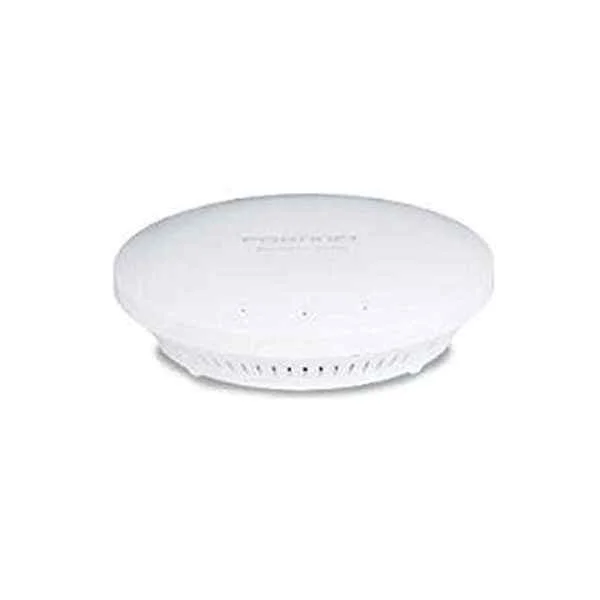
FAP-321C (Indoor wireless AP - 1 x GE RJ45 port, dual radio (802.11 b/g/n and 802.11 a/n/ac, 3x3 MIMO), Ceiling/wall mount kit included, Power adapter not included)
4.2 (5)- Wireless Product
- Fortinet
- Access Point
- Wi‑Fi 6
- 2.4GHz / 5GHz
- 2.5Gbps
- 150 meters
Est Value $738.26$369.13
50% offIn stockRefurbishedFirst-Time Buyer Discount – Get up to 2% additional off on your first order
ORM Rewards Earn $50 in Rewards + Free Expedited Delivery – Join Now!
Use eCoupon ORMSAVE10
eCoupon limited to 5 units
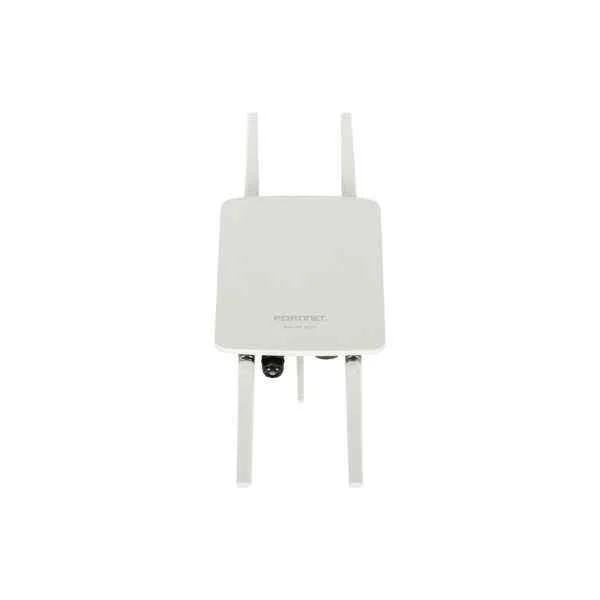
FAP-222E (Fortinet FAP-222E. Outdoor wireless AP: Dual radio, External antenna, 1 x GE RJ45 port)
4.6 (5)- Wireless Access Point
- Fortinet
- Access Point
- Wi-Fi 6
- 2.4GHz, 5GHz
- 2.5Gbps
- 100 meters
Est Value $831.24$415.62
50% offIn stockRefurbishedFirst-Time Buyer Discount – Get up to 2% additional off on your first order
ORM Rewards Earn $50 in Rewards + Free Expedited Delivery – Join Now!
Use eCoupon ORMSAVE10
eCoupon limited to 5 units
FC-10-P423E-247-02-DD (FortiAP-423E 24x7 FortiCare Contract)
4.2 (5)- Wireless Product
- Fortinet
- Access Point
- Wi-Fi 6
- 2.4GHz / 5GHz
- 2.5Gbps
- 100 meters / 328 feet
Est Value In stockFirst-Time Buyer Discount – Get up to 2% additional off on your first order
ORM Rewards Earn $50 in Rewards + Free Expedited Delivery – Join Now!
Use eCoupon ORMSAVE10
eCoupon limited to 5 units
FC-10-PE221-247-02-DD (FortiAP-221E 24x7 FortiCare Contract)
4.6 (5)- Wireless Product
- Fortinet
- Access Point
- Wi-Fi 6
- 2.4GHz / 5GHz
- 2.5Gbps
- 50 meters
Est Value In stockFirst-Time Buyer Discount – Get up to 2% additional off on your first order
ORM Rewards Earn $50 in Rewards + Free Expedited Delivery – Join Now!
Use eCoupon ORMSAVE10
eCoupon limited to 5 units
FC-10-PE222-247-02-DD (FortiAP-222E 24x7 FortiCare Contract)
4.6 (5)- Wireless Access Point
- Fortinet
- Access Point
- Wi-Fi 6
- 2.4GHz / 5GHz
- 2.5Gbps
Est Value In stockFirst-Time Buyer Discount – Get up to 2% additional off on your first order
ORM Rewards Earn $50 in Rewards + Free Expedited Delivery – Join Now!
Use eCoupon ORMSAVE10
eCoupon limited to 5 units
FC-10-PE223-247-02-DD (FortiAP-223E 24x7 FortiCare Contract)
4.8 (5)- Wireless Product
- Fortinet
- Access Point
- Wi-Fi 6
- 2.4GHz / 5GHz
- 1Gbps
- 150 meters
Est Value In stockFirst-Time Buyer Discount – Get up to 2% additional off on your first order
ORM Rewards Earn $50 in Rewards + Free Expedited Delivery – Join Now!
Use eCoupon ORMSAVE10
eCoupon limited to 5 units
FC-10-PE224-247-02-DD (FortiAP-224E 24x7 FortiCare Contract)
5 (5)- Wireless Access Point
- Fortinet
- Access Point
- Wi-Fi 6
- 2.4GHz / 5GHz
- 2.5Gbps
- 150 meters
Est Value In stockFirst-Time Buyer Discount – Get up to 2% additional off on your first order
ORM Rewards Earn $50 in Rewards + Free Expedited Delivery – Join Now!
Use eCoupon ORMSAVE10
eCoupon limited to 5 units
FC-10-P421E-247-02-DD (FortiAP-421E 24x7 FortiCare Contract)
4.8 (5)- Wireless Product
- Fortinet
- Access Point
- Wi-Fi 6
- 2.4GHz / 5GHz
- 1Gbps
- 200 feet
Est Value In stockFirst-Time Buyer Discount – Get up to 2% additional off on your first order
ORM Rewards Earn $50 in Rewards + Free Expedited Delivery – Join Now!
Use eCoupon ORMSAVE10
eCoupon limited to 5 units

ORM Sales Advisors
Buying for your business? Get a personalised quote in under 2 hours. Talk to an expert
LEARNFilters (16) 
Questions & Answers
What is Fortinet Wireless?
Fortinet Wireless is an enterprise-grade wireless LAN solution that delivers secure, high-performance Wi-Fi connectivity integrated with Fortinet’s Security Fabric.
What are the key features of Fortinet Wireless?
Key features include integrated threat protection, Wi-Fi 6 support, centralized management via FortiManager, zero-touch provisioning, and seamless Fabric integration.
How does Fortinet Wireless enhance network security?
Fortinet Wireless applies real-time threat intelligence, intrusion prevention, client isolation and secure SSIDs to protect against malware, rogue devices and lateral attacks.
Can Fortinet Wireless integrate with FortiGate firewalls?
Yes, Fortinet Wireless natively integrates with FortiGate to share security policies, user identity, and dynamic VLAN assignment for unified network protection.
What deployment options are available for Fortinet Wireless?
You can deploy Fortinet Wireless as standalone access points, managed via FortiGate, centrally managed by FortiManager or in a cloud-managed mode with FortiCloud.
How does Fortinet Wireless support Wi-Fi 6?
Fortinet Wireless APs with Wi-Fi 6 deliver OFDMA, MU-MIMO, improved spectral efficiency and higher throughput to accommodate growing device density and bandwidth demands.
What management tools are available for Fortinet Wireless?
You can manage Fortinet Wireless using FortiGate GUI, FortiManager for multi-site orchestration or FortiCloud for cloud-based provisioning, monitoring and reporting.
How does Fortinet Wireless handle guest access?
Guest access can be provisioned with captive portals, vouchers or SMS authentication, segmented guest VLANs and customizable access controls to ensure secure onboarding.
Is Fortinet Wireless scalable for large enterprises?
Yes, Fortinet Wireless scales to thousands of APs across multiple sites with hierarchical management, zero-touch deployment and high-availability clustering.
What licensing models are offered for Fortinet Wireless?
Licensing options include perpetual AP licenses, subscription-based FortiCloud management, FortiCare support and FortiGuard security services for ongoing threat updates.
How do I configure Fortinet Wireless access points?
Configuration can be done via the FortiGate GUI by creating SSIDs, security profiles and wireless policies or through FortiManager/FortiCloud for template-based provisioning.
What is the Fortinet Wireless warranty and support policy?
Fortinet offers a limited lifetime warranty on hardware, backed by FortiCare 24x7 support, hardware replacement options and firmware updates to ensure continuous protection.
How does Fortinet Wireless compare to competitor solutions?
Fortinet Wireless outperforms many competitors by combining enterprise-grade Wi-Fi performance with built-in advanced security, unified Fabric integration and flexible management.
Can Fortinet Wireless be deployed in cloud environments?
Yes, Fortinet Wireless supports cloud deployment via FortiCloud for centralized configuration, monitoring, analytics and automated firmware updates without on-premises hardware.
What best practices optimize Fortinet Wireless performance?
Optimize performance by planning RF coverage, enabling DFS channels, tuning power settings, segmenting traffic with VLANs and applying quality-of-service policies.
How do I troubleshoot common Fortinet Wireless connectivity issues?
Use built-in diagnostics in FortiGate or FortiCloud to check AP status, RF interference, client association logs and ping tests, then adjust channels and power levels as needed.