 United States
Wireless Access Point Fortinet Fortiap
Engineered for advanced performance, Fortinet Fortiap Wireless Access Point delivers unparalleled security, seamless connectivity, and optimal network efficiency for modern enterprise environments. Experience reliable, scalable wireless infrastructure.
Talk to an expert
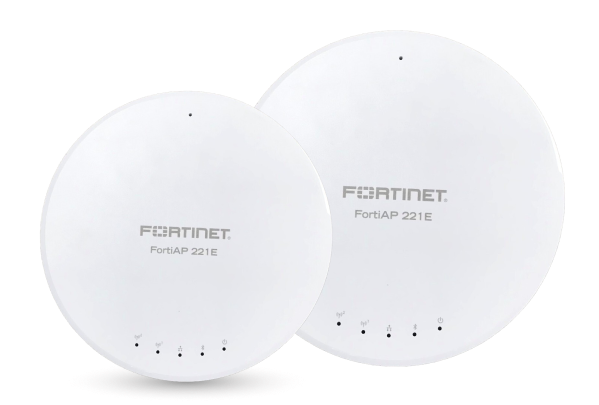
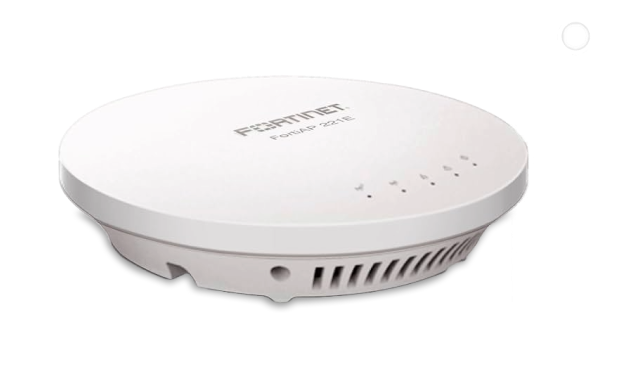
Fortinet Access Points Fortiap-221E
(5)Fortinet FortiAP 221E access points fit branch offices with 802.11ac Wave 2, internal antennas, 1GbE PoE, and staff devices
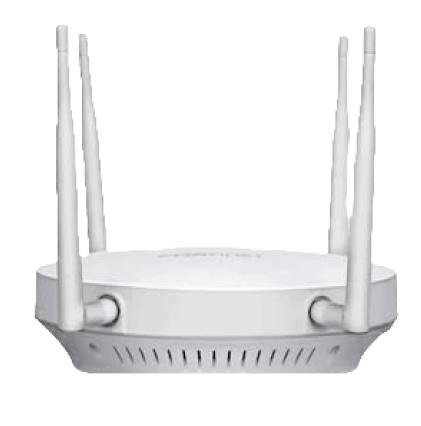
Fortinet Access Points Fortiap-223E
(1)Fortinet FortiAP 223E access points serve RF-tuned interiors with 802.11ac Wave 2, external antenna connectors, and corridor coverage
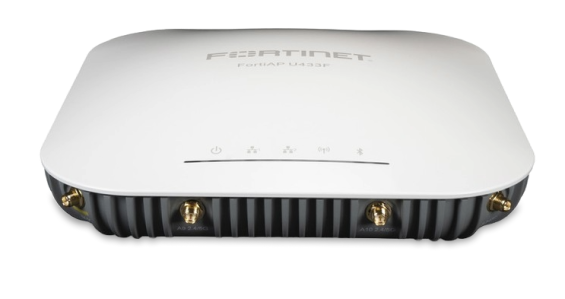
Fortinet Access Points Fortiap-423E
(1)Fortinet FortiAP 423E access points support dense classrooms with 4x4 802.11ac radios, MU-MIMO, Gigabit Ethernet, and classroom roaming
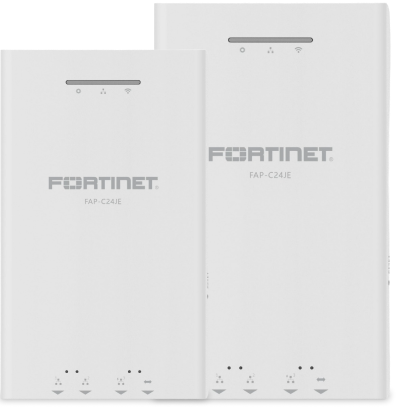
Fortinet Access Points Fortiap-C24Je
(1)Fortinet FortiAP C24JE access points fit wall-jack hospitality deployments with 802.11ac, Ethernet ports, PoE passthrough, and guest VLANs
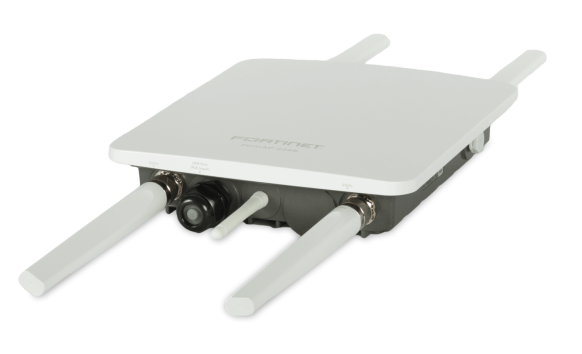
Fortinet Access Points Fortiap-222E
(1)Fortinet FortiAP 222E access points cover retail floors with 802.11ac Wave 2, dual radios, PoE, and shopper devices
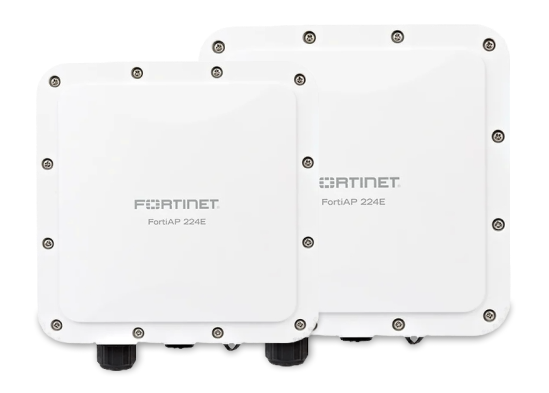
Fortinet Access Points Fortiap-224E
(1)Fortinet FortiAP 224E access points serve antenna-specific office cells with 802.11ac Wave 2, external antenna ports, and tuned coverage
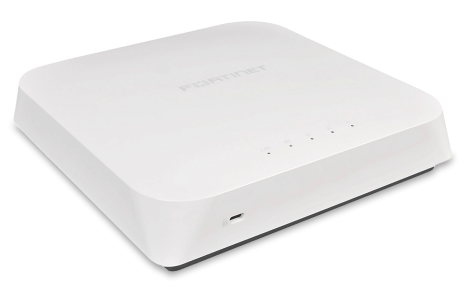
Fortinet Access Points Fortiap-320C
(1)Fortinet FortiAP 320C access points support legacy campus cells with 802.11ac, dual radios, Gigabit Ethernet backhaul, and roaming users
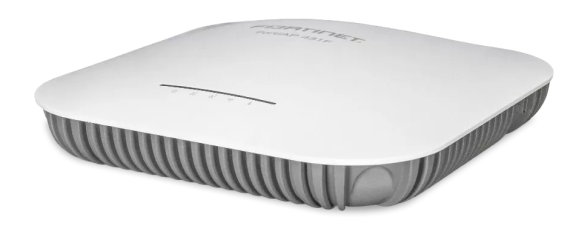
Fortinet Access Points Fortiap-321C
(2)Fortinet FortiAP 321C access points fit controller-managed branch wireless LANs with 802.11ac radios, internal antenna coverage, and sites
Fortinet Access Points Fortiap-421E
(3)Fortinet FortiAP 421E access points serve high-capacity offices with 4x4 802.11ac Wave 2, PoE Ethernet, and staff devices
16 Matching results
- BEST SELLING
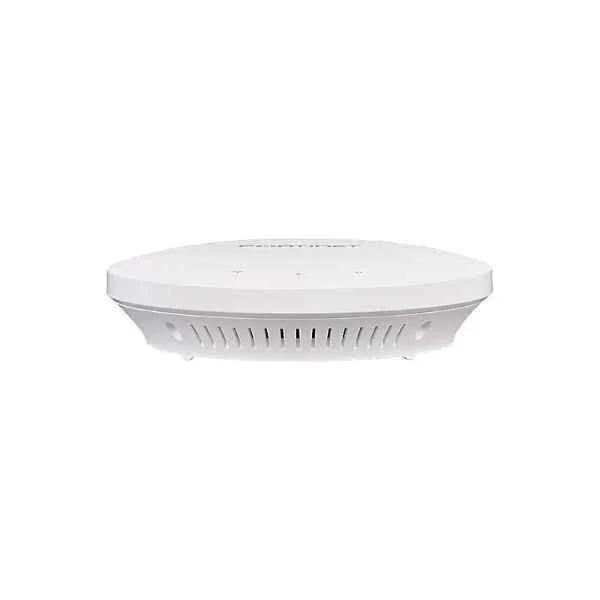
FAP-221E (Fortinet FAP-221E Indoor Wireless AP €” 1x GE RJ45 port, 802.11 a/b/g/n/ac Wave 2, dual radio (2.4 GHz/5 GHz), 2x2 MU-MIMO, ceiling/wall mount kit included, power adapter not included)
4.4 (5)- Wireless Product
- Fortinet
- Access Point
- Wi-Fi 6
- 2.4GHz / 5GHz
- 2.5Gbps
- 100 meters
Est Value $630.00
$315.00
50% offIn stockRefurbishedFirst-Time Buyer Discount – Get up to 2% additional off on your first order
ORM Rewards Earn $50 in Rewards + Free Expedited Delivery – Join Now!
Use eCoupon ORMSAVE10
eCoupon limited to 5 units
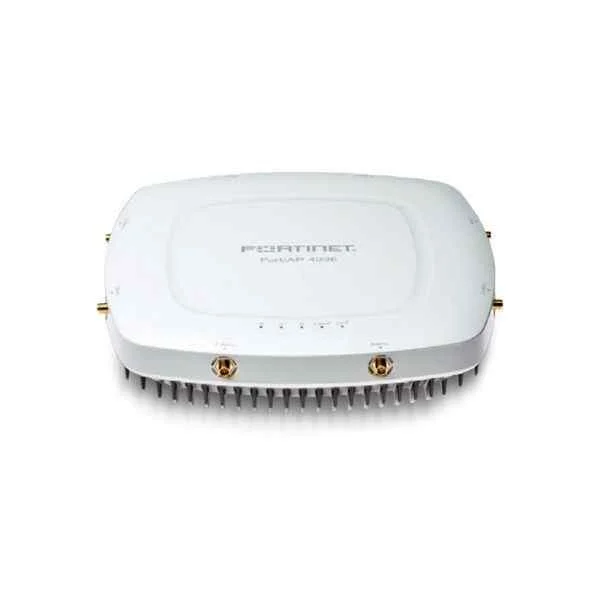
FAP-423E (Fortinet FAP-423E. Indoor wireless AP: Dual radio, External antenna, 2 x GE RJ45 port)
4.4 (5)- Wireless Access Point
- Fortinet
- Access Point
- Wi-Fi 6
- 2.4GHz / 5GHz
- 1Gbps
- 150 meters
Est Value $289.28$144.64
50% offIn stockRefurbishedFirst-Time Buyer Discount – Get up to 2% additional off on your first order
ORM Rewards Earn $50 in Rewards + Free Expedited Delivery – Join Now!
Use eCoupon ORMSAVE10
eCoupon limited to 5 units
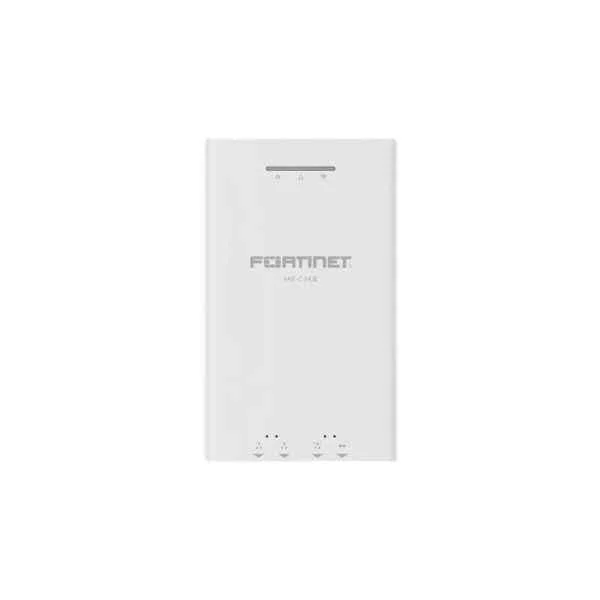
FAP-C24JE (FAP-C24JE is a performance/price competitive 2.4 GHz/5 GHz concurrent MU-MIMO wall plate AP with support of PoE IP phone and RJ45 passthrough. Total WiFi speed is 1167 Mbps (300 Mbps/2.4 GHz + 867 Mbps/5 GHz))
4.8 (5)- Wireless Product
- Fortinet
- Access Point
- Wi-Fi 5
- 2.4GHz / 5GHz
- 1Gbps
- 150 feet
Est Value $438.24$219.12
50% offIn stockRefurbishedFirst-Time Buyer Discount – Get up to 2% additional off on your first order
ORM Rewards Earn $50 in Rewards + Free Expedited Delivery – Join Now!
Use eCoupon ORMSAVE10
eCoupon limited to 5 units
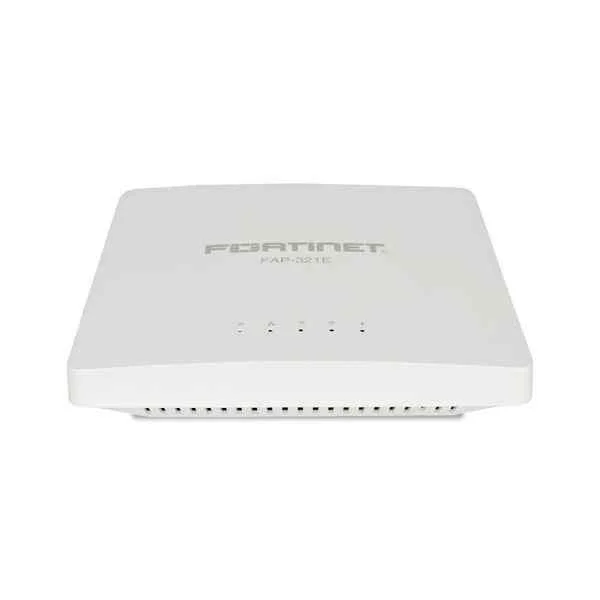
FAP-321E (Fortinet FortiAP 321E, 3x3 MIMO Access Point With Dual Radio, Internal Antennas)
4.6 (5)- Wireless Product
- Fortinet
- Access Point
- Wi-Fi 6
- 2.4GHz / 5GHz
- 1Gbps
- 150 meters
Est Value $461.38$230.69
50% offIn stockRefurbishedFirst-Time Buyer Discount – Get up to 2% additional off on your first order
ORM Rewards Earn $50 in Rewards + Free Expedited Delivery – Join Now!
Use eCoupon ORMSAVE10
eCoupon limited to 5 units
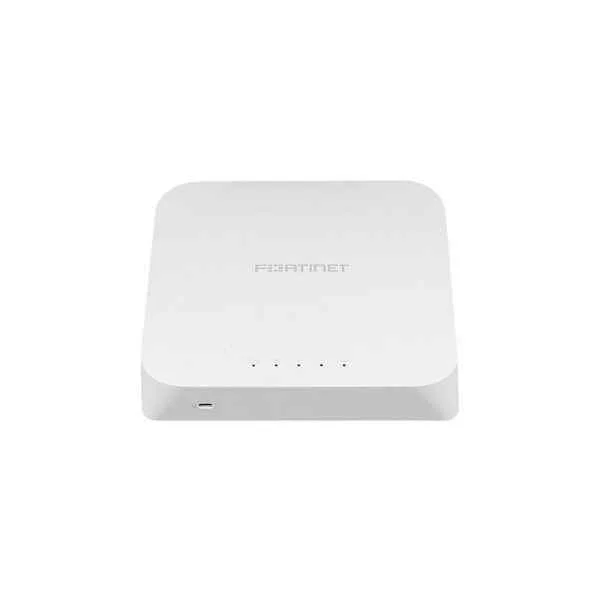
FAP-320C (Indoor wireless AP - 2 x GE RJ45 port, dual radio (802.11 a/n/ac and 802.11 b/g/n, 3x3 MIMO), Ceiling/wall mount kit included, Power adapter not included)
5 (5)- Wireless Product
- Fortinet
- Access Point
- Wi-Fi 6
- 2.4GHz / 5GHz
- 1Gbps
- 150 meters
Est Value $483.84$241.92
50% offIn stockRefurbishedFirst-Time Buyer Discount – Get up to 2% additional off on your first order
ORM Rewards Earn $50 in Rewards + Free Expedited Delivery – Join Now!
Use eCoupon ORMSAVE10
eCoupon limited to 5 units
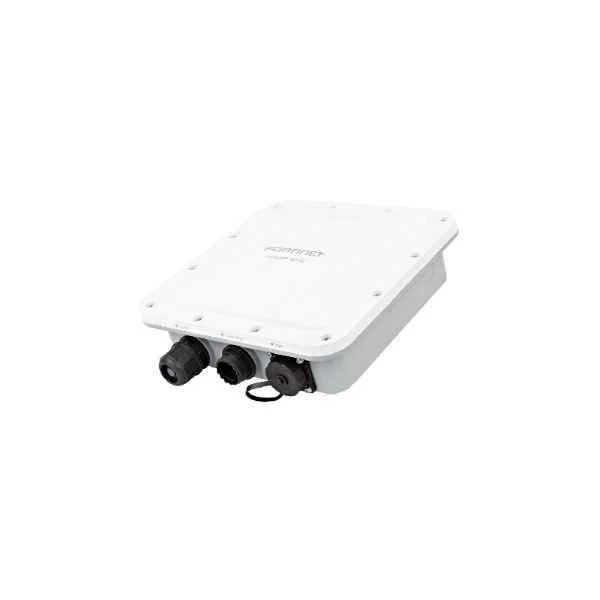
FAP-224E (Fortinet FAP-224E, Outdoor wireless AP: Dual radio, internal antenna, 1 x GE RJ45 port, 1x SFP port)
5 (5)- Wireless Product
- Fortinet
- Access Point
- Wi-Fi 6
- 2.4GHz / 5GHz
- 2.5Gbps
- 100 meters
Est Value $486.94$243.47
50% offIn stockRefurbishedFirst-Time Buyer Discount – Get up to 2% additional off on your first order
ORM Rewards Earn $50 in Rewards + Free Expedited Delivery – Join Now!
Use eCoupon ORMSAVE10
eCoupon limited to 5 units
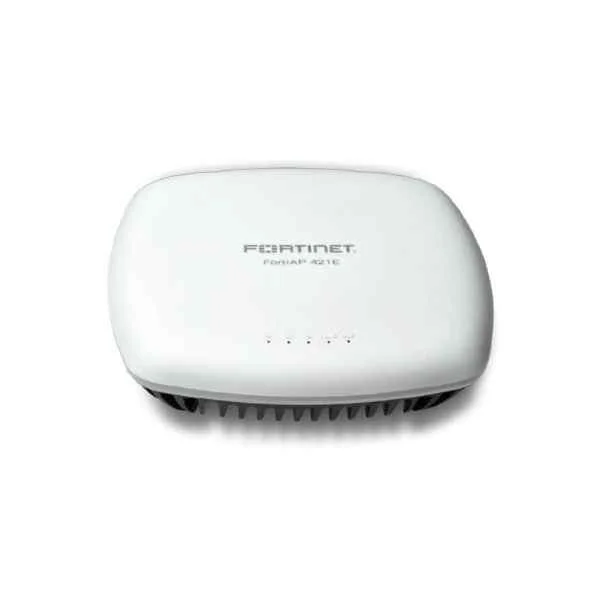
FAP-421E (Fortinet FAP-421E. Indoor Wireless AP €” 2x GE RJ45 ports, 802.11 a/b/g/n/ac Wave 2, dual radio (2.4 GHz/5 GHz), 4x4 MU-MIMO, ceiling/wall mount kit included, power adapter not included. For Gigabit PoE injector order: GPI-130.)
4.6 (5)- Wireless Product
- Fortinet
- Access Point
- Wi-Fi 6
- 2.4GHz / 5GHz
- 2.5Gbps
- 100 meters
Est Value $525.92$262.96
50% offIn stockRefurbishedFirst-Time Buyer Discount – Get up to 2% additional off on your first order
ORM Rewards Earn $50 in Rewards + Free Expedited Delivery – Join Now!
Use eCoupon ORMSAVE10
eCoupon limited to 5 units
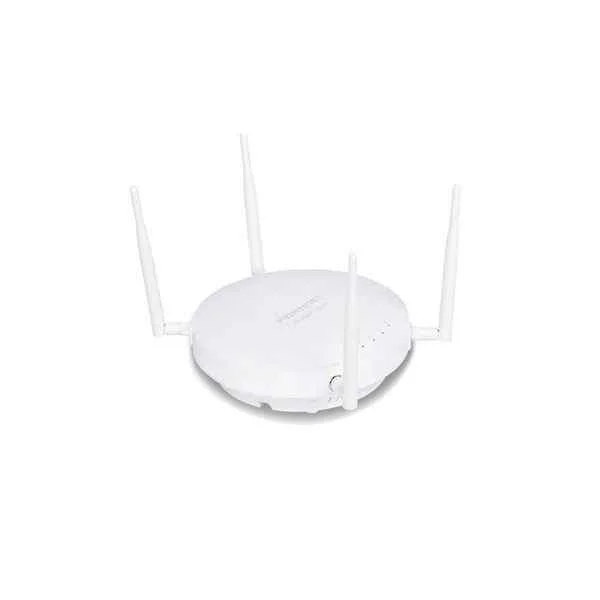
FAP-223E (Fortinet FAP-223E Indoor wireless AP: Dual radio, External antenna, 1 x GE RJ45 port)
5 (5)- Wireless Product
- Fortinet
- Access Point
- Wi‑Fi 6
- 2.4GHz / 5GHz
- 2.5Gbps
Est Value $575.98$287.99
50% offIn stockRefurbishedFirst-Time Buyer Discount – Get up to 2% additional off on your first order
ORM Rewards Earn $50 in Rewards + Free Expedited Delivery – Join Now!
Use eCoupon ORMSAVE10
eCoupon limited to 5 units
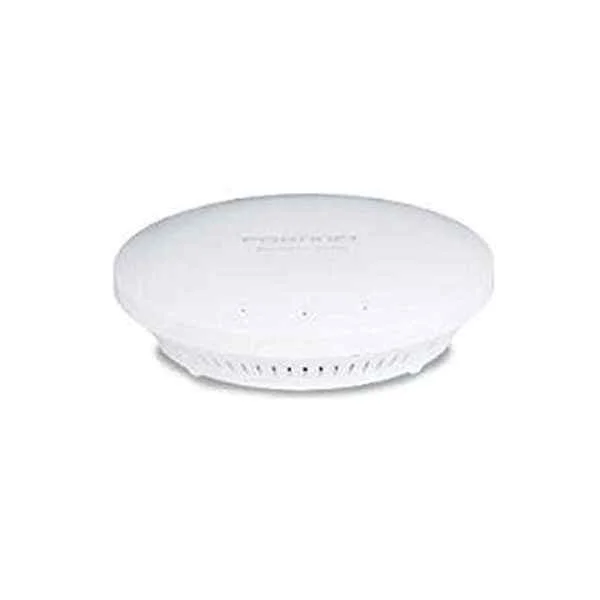
FAP-321C (Indoor wireless AP - 1 x GE RJ45 port, dual radio (802.11 b/g/n and 802.11 a/n/ac, 3x3 MIMO), Ceiling/wall mount kit included, Power adapter not included)
4.2 (5)- Wireless Product
- Fortinet
- Access Point
- Wi‑Fi 6
- 2.4GHz / 5GHz
- 2.5Gbps
- 150 meters
Est Value $738.26$369.13
50% offIn stockRefurbishedFirst-Time Buyer Discount – Get up to 2% additional off on your first order
ORM Rewards Earn $50 in Rewards + Free Expedited Delivery – Join Now!
Use eCoupon ORMSAVE10
eCoupon limited to 5 units
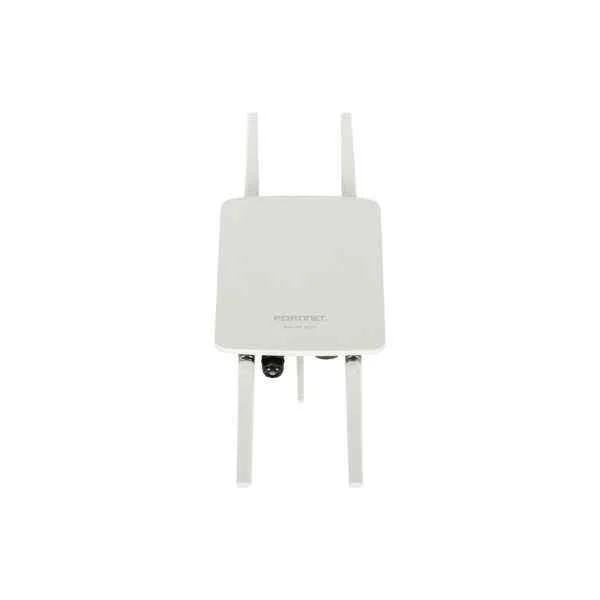
FAP-222E (Fortinet FAP-222E. Outdoor wireless AP: Dual radio, External antenna, 1 x GE RJ45 port)
4.6 (5)- Wireless Access Point
- Fortinet
- Access Point
- Wi-Fi 6
- 2.4GHz, 5GHz
- 2.5Gbps
- 100 meters
Est Value $831.24$415.62
50% offIn stockRefurbishedFirst-Time Buyer Discount – Get up to 2% additional off on your first order
ORM Rewards Earn $50 in Rewards + Free Expedited Delivery – Join Now!
Use eCoupon ORMSAVE10
eCoupon limited to 5 units
FC-10-P423E-247-02-DD (FortiAP-423E 24x7 FortiCare Contract)
4.2 (5)- Wireless Product
- Fortinet
- Access Point
- Wi-Fi 6
- 2.4GHz / 5GHz
- 2.5Gbps
- 100 meters / 328 feet
Est Value In stockFirst-Time Buyer Discount – Get up to 2% additional off on your first order
ORM Rewards Earn $50 in Rewards + Free Expedited Delivery – Join Now!
Use eCoupon ORMSAVE10
eCoupon limited to 5 units
FC-10-PE221-247-02-DD (FortiAP-221E 24x7 FortiCare Contract)
4.6 (5)- Wireless Product
- Fortinet
- Access Point
- Wi-Fi 6
- 2.4GHz / 5GHz
- 2.5Gbps
- 50 meters
Est Value In stockFirst-Time Buyer Discount – Get up to 2% additional off on your first order
ORM Rewards Earn $50 in Rewards + Free Expedited Delivery – Join Now!
Use eCoupon ORMSAVE10
eCoupon limited to 5 units
FC-10-PE222-247-02-DD (FortiAP-222E 24x7 FortiCare Contract)
4.6 (5)- Wireless Access Point
- Fortinet
- Access Point
- Wi-Fi 6
- 2.4GHz / 5GHz
- 2.5Gbps
Est Value In stockFirst-Time Buyer Discount – Get up to 2% additional off on your first order
ORM Rewards Earn $50 in Rewards + Free Expedited Delivery – Join Now!
Use eCoupon ORMSAVE10
eCoupon limited to 5 units
FC-10-PE223-247-02-DD (FortiAP-223E 24x7 FortiCare Contract)
4.8 (5)- Wireless Product
- Fortinet
- Access Point
- Wi-Fi 6
- 2.4GHz / 5GHz
- 1Gbps
- 150 meters
Est Value In stockFirst-Time Buyer Discount – Get up to 2% additional off on your first order
ORM Rewards Earn $50 in Rewards + Free Expedited Delivery – Join Now!
Use eCoupon ORMSAVE10
eCoupon limited to 5 units
FC-10-PE224-247-02-DD (FortiAP-224E 24x7 FortiCare Contract)
5 (5)- Wireless Access Point
- Fortinet
- Access Point
- Wi-Fi 6
- 2.4GHz / 5GHz
- 2.5Gbps
- 150 meters
Est Value In stockFirst-Time Buyer Discount – Get up to 2% additional off on your first order
ORM Rewards Earn $50 in Rewards + Free Expedited Delivery – Join Now!
Use eCoupon ORMSAVE10
eCoupon limited to 5 units
FC-10-P421E-247-02-DD (FortiAP-421E 24x7 FortiCare Contract)
4.8 (5)- Wireless Product
- Fortinet
- Access Point
- Wi-Fi 6
- 2.4GHz / 5GHz
- 1Gbps
- 200 feet
Est Value In stockFirst-Time Buyer Discount – Get up to 2% additional off on your first order
ORM Rewards Earn $50 in Rewards + Free Expedited Delivery – Join Now!
Use eCoupon ORMSAVE10
eCoupon limited to 5 units

ORM Sales Advisors
Buying for your business? Get a personalised quote in under 2 hours. Talk to an expert
LEARNFilters (16) 
Questions & Answers
What is a Fortinet FortiAP Wireless Access Point?
Fortinet FortiAP is a secure, high-performance wireless access point that integrates with Fortinet’s Security Fabric to deliver reliable Wi-Fi connectivity and advanced threat protection for enterprise and small-to-medium networks.
How does FortiAP integrate with FortiGate Security Fabric?
FortiAP connects directly to FortiGate firewalls via CAPWAP or SNMP, enabling unified policy enforcement, real-time threat intelligence sharing, and single-pane-of-glass management across wired and wireless networks.
Which Wi-Fi standards are supported by FortiAP?
FortiAP models support IEEE 802.11a/b/g/n/ac/ax standards with dual-radio capability, offering concurrent 2.4 GHz and 5 GHz operation for maximum throughput and device density.
What security features does FortiAP offer?
FortiAP provides integrated wireless intrusion prevention (WIPS), rogue-AP detection, secure guest onboarding, WPA3 encryption, and seamless integration with FortiGuard threat intelligence for real-time protection.
What deployment modes does FortiAP support?
FortiAP supports standalone, controller-based (via FortiGate), cloud-managed (FortiCloud), and mesh deployment modes to meet diverse network scale and management requirements.
How is initial configuration of FortiAP done?
Initial setup is performed via the FortiGate GUI, FortiCloud portal, or local web UI—simply connect the AP, power it on, discover it in your management interface, and apply predefined SSIDs and security policies.
How can I manage multiple FortiAP devices centrally?
You can centrally manage FortiAPs through FortiGate controllers or the FortiCloud management platform, leveraging templates, automatic firmware updates, and real-time monitoring dashboards.
What Power over Ethernet (PoE) options are available for FortiAP?
FortiAP supports IEEE 802.3af (PoE) and 802.3at (PoE+), with higher-power models also compatible with 802.3bt to power built-in radios and external IoT devices over a single Ethernet cable.
How does FortiAP handle guest network access?
FortiAP offers captive portal functionality, customizable guest landing pages, voucher or social-login authentication, and bandwidth control policies to securely onboard and manage guest users.
How do I scale wireless coverage with FortiAP?
Scale coverage by deploying additional FortiAPs in controller- or cloud-managed modes, using RF planning tools in FortiPlanner, and enabling mesh networking for locations where cabling is impractical.
Does FortiAP support mesh networking?
Yes, FortiAP supports self-healing wireless mesh to extend connectivity without new cabling. Mesh links automatically reroute traffic to maintain optimal coverage and resilience.
How do I update FortiAP firmware?
Firmware updates are delivered through FortiGate or FortiCloud. Administrators can schedule staged rollouts, preview release notes, and monitor update status from the management console.
What licensing is required for FortiAP?
FortiAP requires a valid FortiCloud or FortiGate license. FortiCloud licenses cover cloud management, analytics, and FortiGuard services, while FortiGate licenses include controller management and security subscriptions.
What performance can I expect from FortiAP?
Performance varies by model, but FortiAP-ax series delivers up to 5 Gbps aggregate throughput, over 4× the capacity of Wi-Fi 5, supporting high-density environments and bandwidth-intensive applications.
How do I troubleshoot common FortiAP connectivity issues?
Use the FortiGate’s wireless controller dashboard for real-time RF metrics, run built-in diagnostics like echo tests and spectrum analysis, and verify SSID, VLAN, and firmware compatibility.
What warranty and support options are available for FortiAP?
FortiAP comes with a one-year limited hardware warranty. FortiCare support plans offer extended hardware coverage, 24×7 technical support, firmware upgrades, and expedited RMA services.