 United States
Cisco 300 Series Managed Switches
Experience robust network performance and enhanced security with Cisco 300 Series Managed Switches—engineered for efficiency, scalability, and seamless connectivity, providing reliable solutions for modern enterprise infrastructures.
Talk to an expert
31 Matching results
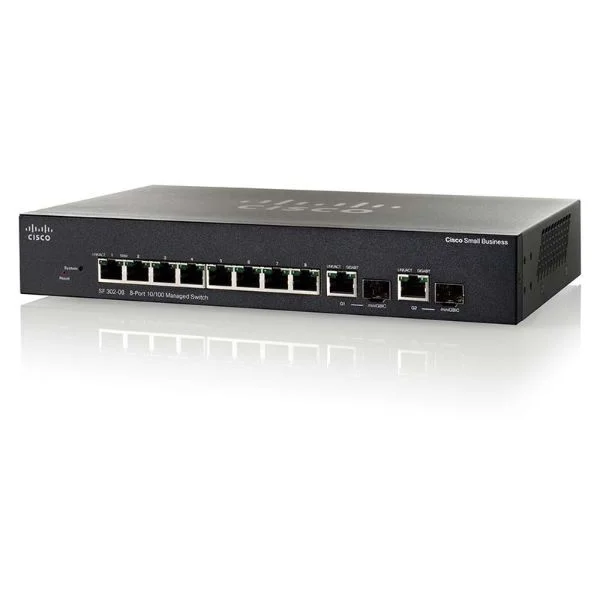
SF302-08PP (8 10/100 PoE+ ports with 62W power budget, 2 combo mini-GBIC ports)
4.8 (5)- Switch
- Cisco
- AC Power Supply
- Layer 2
- Desktop / Rack-mount
- 15W
- Under 12 Ports
Est Value $124.20
$106.03
14.6% offIn stockRefurbishedFirst-Time Buyer Discount – Get up to 2% additional off on your first order
ORM Rewards Earn $50 in Rewards + Free Expedited Delivery – Join Now!
Use eCoupon ORMSAVE10
eCoupon limited to 5 units
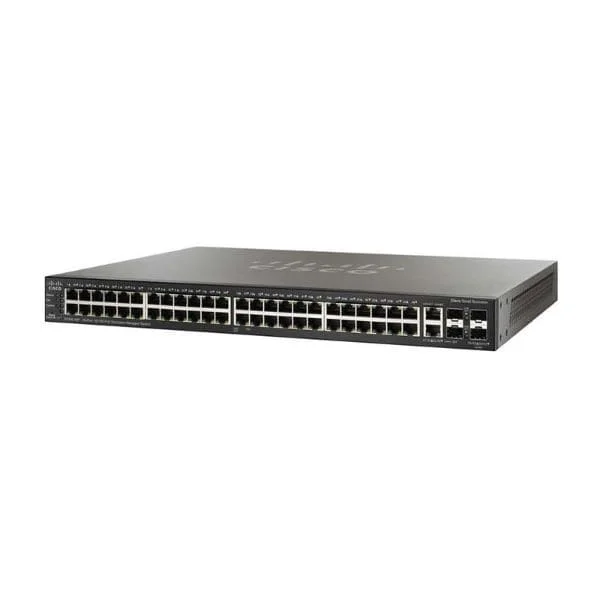
SF300-48PP-K9-EU (48 10/100 PoE+ ports with 375W power budget, 2 10/100/1000 ports, 2 combo mini-GBIC ports, EU)
4.6 (5)- Switch
- Cisco
- AC Power Supply
- Layer 2 / Layer 3
- Rack-mount
- 370 W
- 24–48 Ports
Est Value $242.30$121.15
50% offIn stockRefurbishedFirst-Time Buyer Discount – Get up to 2% additional off on your first order
ORM Rewards Earn $50 in Rewards + Free Expedited Delivery – Join Now!
Use eCoupon ORMSAVE10
eCoupon limited to 5 units
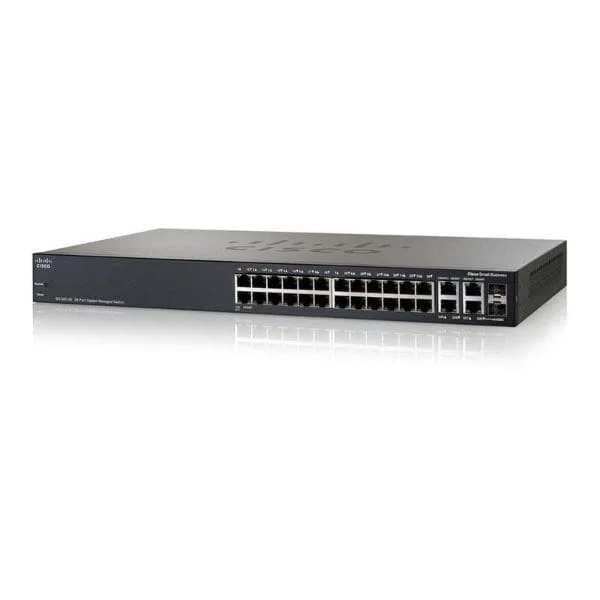
SF300-24 (24 10/100 ports, 2 10/100/1000 ports - 2 combo mini-GBIC ports)
4.8 (5)- Switch
- Cisco
- AC Power Supply
- Layer 2 / Layer 3
- Rack-mount
- 33 W
- 12–24 Ports
Est Value $244.12$122.06
50% offIn stockRefurbishedFirst-Time Buyer Discount – Get up to 2% additional off on your first order
ORM Rewards Earn $50 in Rewards + Free Expedited Delivery – Join Now!
Use eCoupon ORMSAVE10
eCoupon limited to 5 units
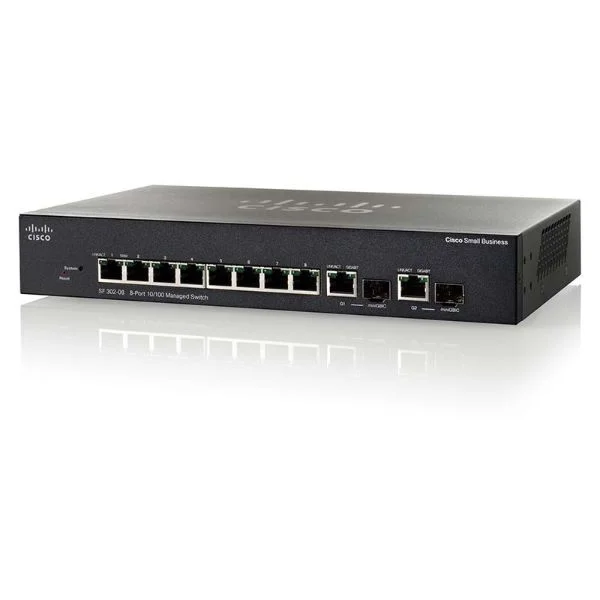
SG300-10P (8 10/100/1000 PoE ports with 62W power budget, 2 Combo mini-GBIC ports)
4.2 (5)- Switch
- Cisco
- AC Power Supply
- Layer 2 / Layer 3
- Desktop / Rack-mount
- 33.6 W
- Under 12 Ports
Est Value $137.73$122.06
11.4% offIn stockRefurbishedFirst-Time Buyer Discount – Get up to 2% additional off on your first order
ORM Rewards Earn $50 in Rewards + Free Expedited Delivery – Join Now!
Use eCoupon ORMSAVE10
eCoupon limited to 5 units
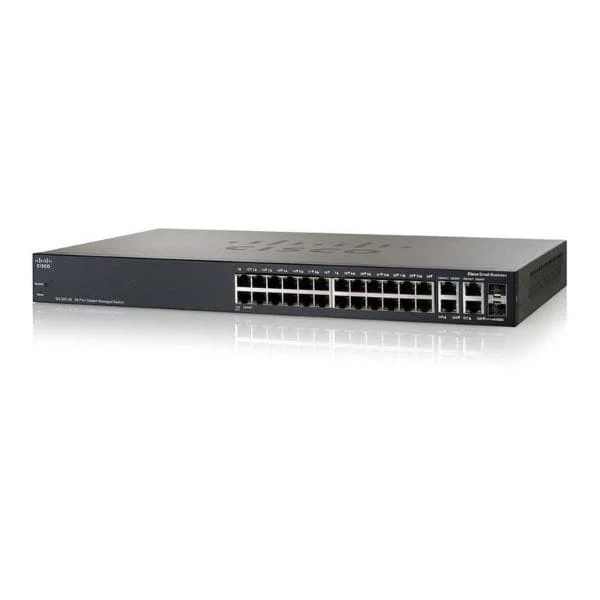
SF300-24P (24 10/100 PoE ports with 180W power budget, 2 10/100/1000 ports - 2 combo mini-GBIC ports)
4.8 (5)- Switch
- Cisco
- AC Power Supply
- Layer 2
- Rack-mount
- 12–24 Ports
Est Value $273.36$136.68
50% offIn stockRefurbishedFirst-Time Buyer Discount – Get up to 2% additional off on your first order
ORM Rewards Earn $50 in Rewards + Free Expedited Delivery – Join Now!
Use eCoupon ORMSAVE10
eCoupon limited to 5 units
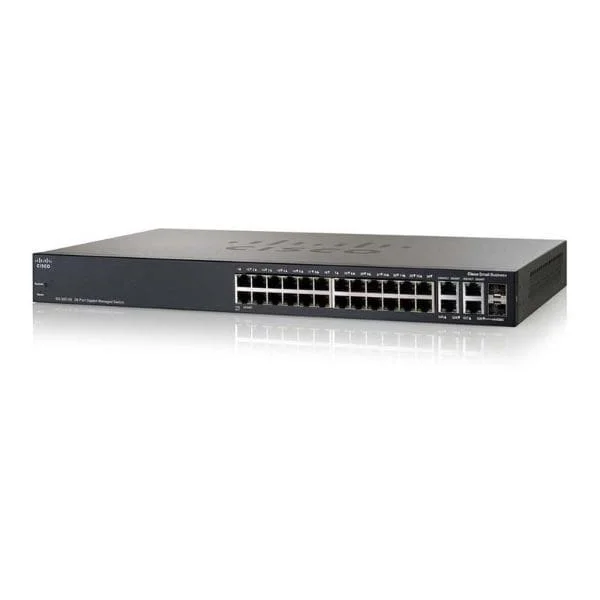
SG300-20 (18 10/100/1000 ports, 2 combo mini-GBIC ports)
4.8 (5)- Switch
- Cisco
- AC Power Supply
- Layer 2 / Layer 3
- Desktop / Rack-mount
- 35W
- 12–24 Ports
Est Value $425.00$142.37
66.5% offIn stockRefurbishedFirst-Time Buyer Discount – Get up to 2% additional off on your first order
ORM Rewards Earn $50 in Rewards + Free Expedited Delivery – Join Now!
Use eCoupon ORMSAVE10
eCoupon limited to 5 units
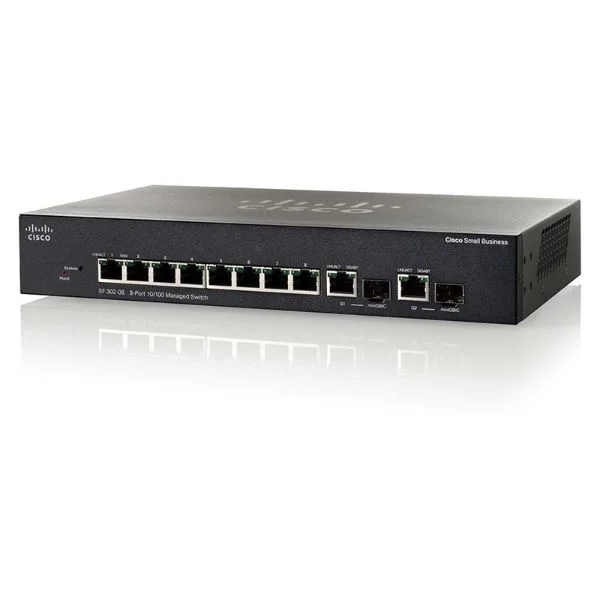
SG300-10 (8 10/100/1000 ports, 2 combo mini-GBIC ports)
4.4 (5)- Switch
- Cisco
- AC Power Supply
- Layer 2 / Layer 3
- Desktop / Rack-mount
- 15 W
- Under 12 Ports
Est Value $294.00$147.00
50% offIn stockRefurbishedFirst-Time Buyer Discount – Get up to 2% additional off on your first order
ORM Rewards Earn $50 in Rewards + Free Expedited Delivery – Join Now!
Use eCoupon ORMSAVE10
eCoupon limited to 5 units
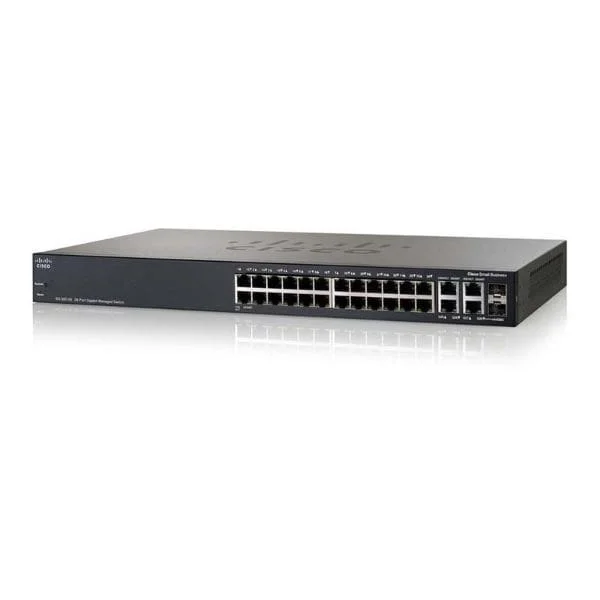
SG300-28P (26 10/100/1000 ports (24 PoE ports with 180W power budget), 2 combo mini-GBIC ports)
4.6 (5)- Switch
- Cisco
- AC Power Supply
- Layer 2 / Layer 3
- Desktop / Rack-mount
- 24–48 Ports
Est Value $334.96$167.48
50% offIn stockRefurbishedFirst-Time Buyer Discount – Get up to 2% additional off on your first order
ORM Rewards Earn $50 in Rewards + Free Expedited Delivery – Join Now!
Use eCoupon ORMSAVE10
eCoupon limited to 5 units
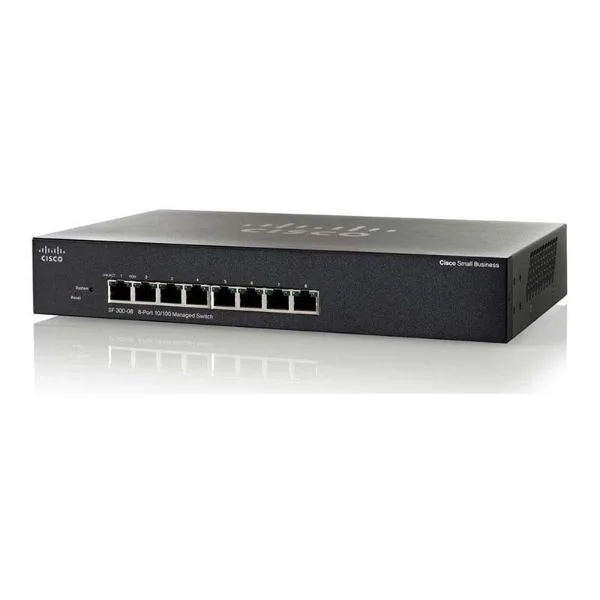
SF300-08 (8 10/100 ports)
5 (5)- Switch
- Cisco
- AC Power Supply
- Layer 2
- Desktop / Rack-mount
- 15 W
- Under 12 Ports
Est Value $209.28$178.66
14.6% offIn stockRefurbishedFirst-Time Buyer Discount – Get up to 2% additional off on your first order
ORM Rewards Earn $50 in Rewards + Free Expedited Delivery – Join Now!
Use eCoupon ORMSAVE10
eCoupon limited to 5 units
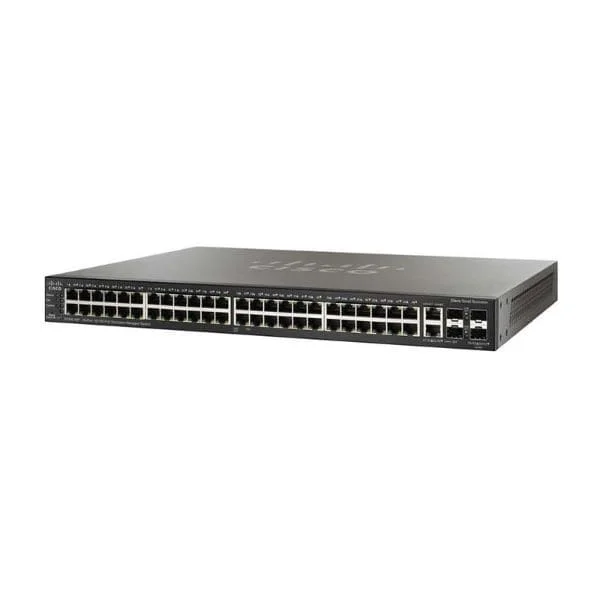
SG300-52 (50 10/100/1000 ports, 2 combo mini-GBIC ports)
4.6 (5)- Switch
- Cisco
- AC Power Supply
- Layer 2 / Layer 3
- Rack-mount
- 36.96 W
- Over 48 Ports
Est Value $363.56$181.78
50% offIn stockRefurbishedFirst-Time Buyer Discount – Get up to 2% additional off on your first order
ORM Rewards Earn $50 in Rewards + Free Expedited Delivery – Join Now!
Use eCoupon ORMSAVE10
eCoupon limited to 5 units
SF300-48PP (48 10/100 PoE+ ports with 375W power budget, 2 10/100/1000 ports - 2 combo mini-GBIC ports)
4.2 (5)- Switch
- Cisco
- AC Power Supply
- Layer 2
- Rack-mount
- 24–48 Ports
Est Value $427.64$213.82
50% offIn stockRefurbishedFirst-Time Buyer Discount – Get up to 2% additional off on your first order
ORM Rewards Earn $50 in Rewards + Free Expedited Delivery – Join Now!
Use eCoupon ORMSAVE10
eCoupon limited to 5 units
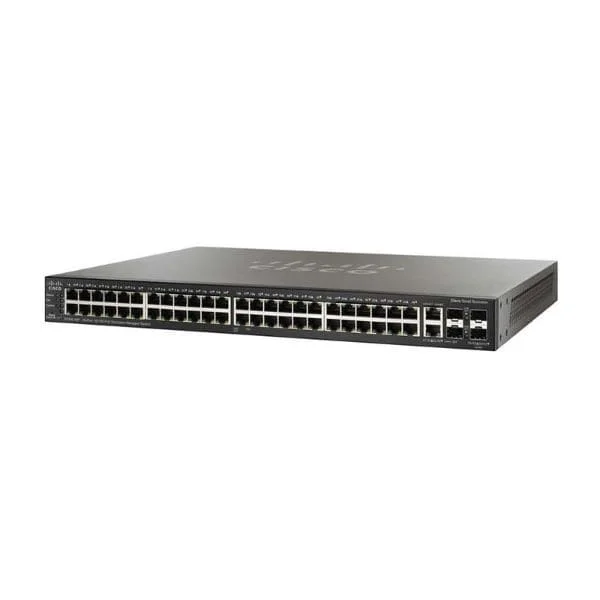
SF300-48 (48 10/100 ports - 2 10/100/1000 ports, 2 combo mini-GBIC)
4.6 (5)- Switch
- Cisco
- AC Power Supply
- Layer 2
- Desktop / Rack-mount
- 35W
- 24–48 Ports
Est Value $467.46$233.73
50% offIn stockRefurbishedFirst-Time Buyer Discount – Get up to 2% additional off on your first order
ORM Rewards Earn $50 in Rewards + Free Expedited Delivery – Join Now!
Use eCoupon ORMSAVE10
eCoupon limited to 5 units
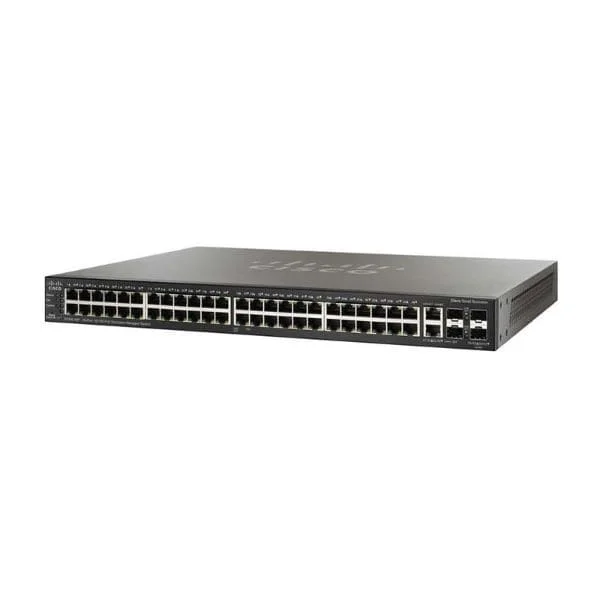
SF300-48P (48 10/100 PoE ports with 375W power budget, 2 10/100/1000 ports - 2 combo mini-GBIC ports)
4.2 (5)- Switch
- Cisco
- AC Power Supply
- Layer 2
- Rack-mount
- 24–48 Ports
Est Value $471.98$235.99
50% offIn stockRefurbishedFirst-Time Buyer Discount – Get up to 2% additional off on your first order
ORM Rewards Earn $50 in Rewards + Free Expedited Delivery – Join Now!
Use eCoupon ORMSAVE10
eCoupon limited to 5 units
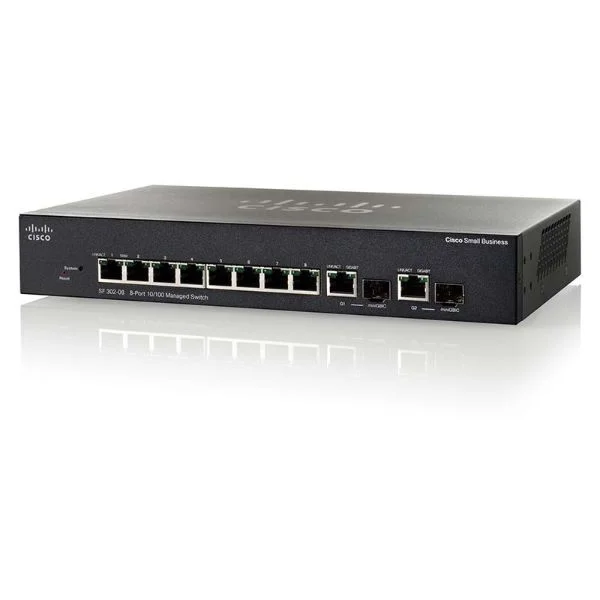
SF302-08 (8 10/100 ports, 2 combo mini-GBIC ports)
4.4 (5)- Switch
- Cisco
- AC Power Supply
- Layer 2
- Rack-mount
- 15W
- Under 12 Ports
Est Value $475.34$237.67
50% offIn stockRefurbishedFirst-Time Buyer Discount – Get up to 2% additional off on your first order
ORM Rewards Earn $50 in Rewards + Free Expedited Delivery – Join Now!
Use eCoupon ORMSAVE10
eCoupon limited to 5 units
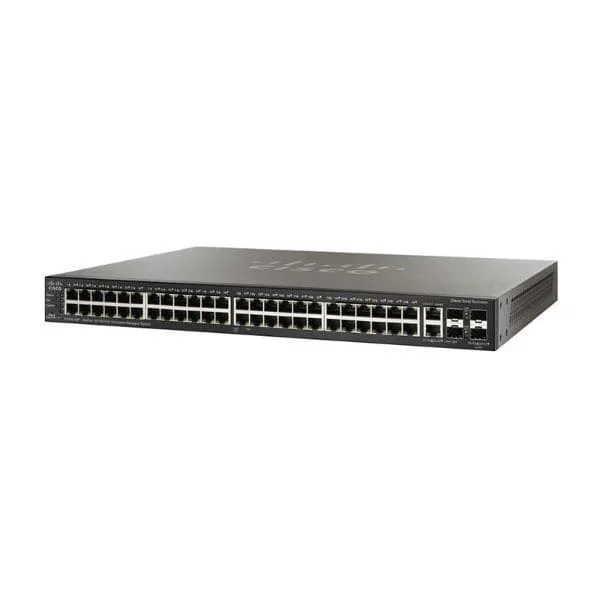
SG300-52P (50 10/100/1000 ports (48 PoE+ ports with 375W power budget), 2 combo mini-GBIC ports)
4.6 (5)- Switch
- Cisco
- AC Power Supply
- Layer 2 / Layer 3
- Desktop / Rack-mount
- Over 48 Ports
Est Value $525.00$262.50
50% offIn stockRefurbishedFirst-Time Buyer Discount – Get up to 2% additional off on your first order
ORM Rewards Earn $50 in Rewards + Free Expedited Delivery – Join Now!
Use eCoupon ORMSAVE10
eCoupon limited to 5 units
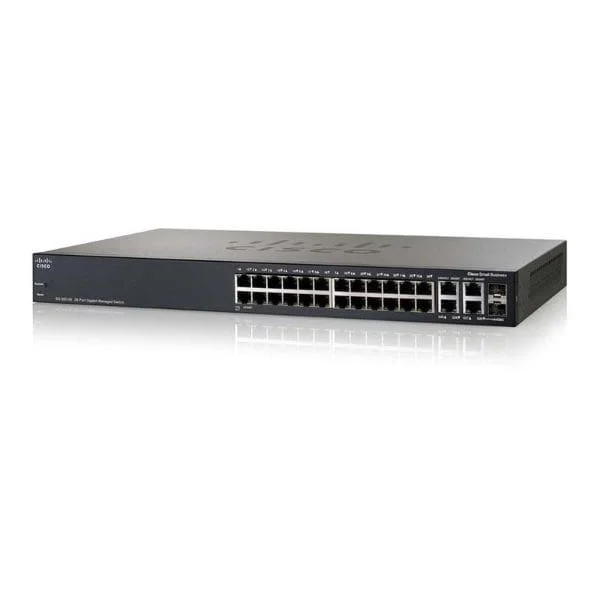
SG300-28MP (26 10/100/1000 ports (24 PoE+ ports with 375W power budget), 2 combo mini-GBIC ports)
4.4 (5)- Switch
- Cisco
- AC Power Supply
- Layer 2 / Layer 3 Lite
- Desktop / Rack-mount
- 24–48 Ports
Est Value $532.88$266.44
50% offIn stockRefurbishedFirst-Time Buyer Discount – Get up to 2% additional off on your first order
ORM Rewards Earn $50 in Rewards + Free Expedited Delivery – Join Now!
Use eCoupon ORMSAVE10
eCoupon limited to 5 units
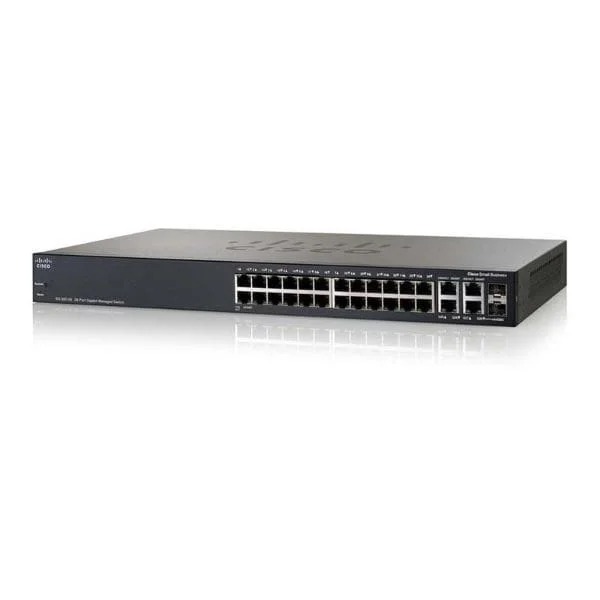
SF300-24PP (24 10/100 PoE+ ports with 180W power budget, 2 10/100/1000 ports - 2 combo mini-GBIC ports)
5 (5)- Switch
- Cisco
- AC Power Supply
- Layer 2
- Desktop / Rack-mount
- 60 W
- 12–24 Ports
Est Value $548.08$274.04
50% offIn stockRefurbishedFirst-Time Buyer Discount – Get up to 2% additional off on your first order
ORM Rewards Earn $50 in Rewards + Free Expedited Delivery – Join Now!
Use eCoupon ORMSAVE10
eCoupon limited to 5 units
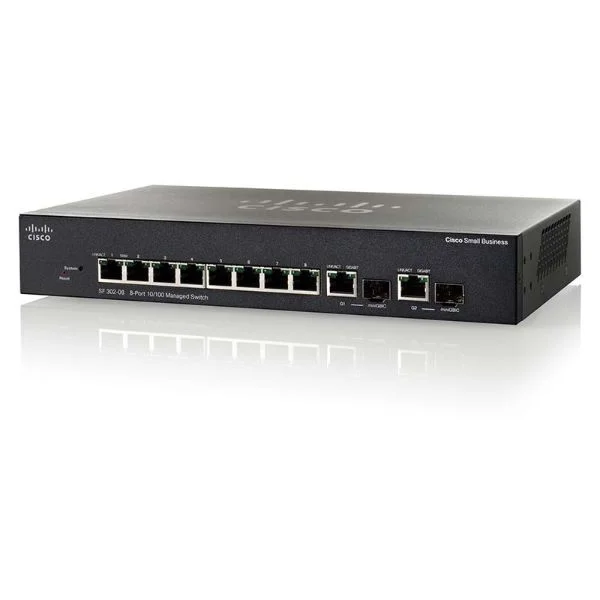
SF302-08MP (8 10/100 Maximum PoE ports with 124W power budget, 2 combo mini-GBIC ports)
4.4 (5)- Switch
- Cisco
- AC Power Supply
- Layer 2
- Desktop / Rack-mount
- 33 W
- Under 12 Ports
Est Value $498.32$277.57
44.3% offIn stockRefurbishedFirst-Time Buyer Discount – Get up to 2% additional off on your first order
ORM Rewards Earn $50 in Rewards + Free Expedited Delivery – Join Now!
Use eCoupon ORMSAVE10
eCoupon limited to 5 units
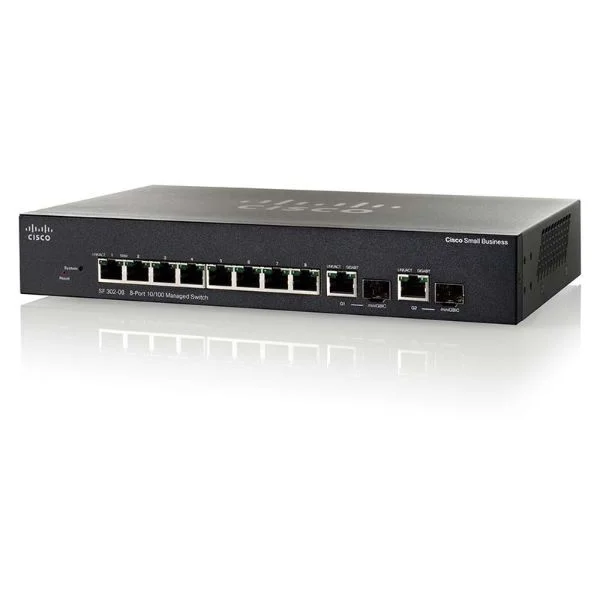
SG300-10PP (8 10/100/1000 PoE+ ports with 62W power budget, 2 Combo mini-GBIC ports)
4.4 (5)- Switch
- Cisco
- AC Power Supply
- Layer 2 / Layer 3
- Desktop / Rack-mount
- 29W
- Under 12 Ports
Est Value $604.80$302.40
50% offIn stockRefurbishedFirst-Time Buyer Discount – Get up to 2% additional off on your first order
ORM Rewards Earn $50 in Rewards + Free Expedited Delivery – Join Now!
Use eCoupon ORMSAVE10
eCoupon limited to 5 units
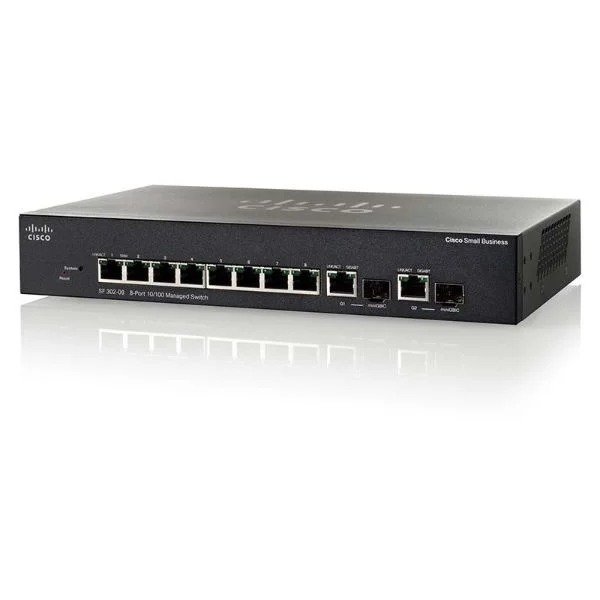
SG300-10MPP (8 10/100/1000 Maximum PoE+ ports with 124W power budget, 2 combo mini-GBIC ports)
4.6 (5)- Switch
- Cisco
- AC Power Supply
- Layer 2 / Layer 3
- Rack-mount
- Under 12 Ports
Est Value $609.00$304.50
50% offIn stockRefurbishedFirst-Time Buyer Discount – Get up to 2% additional off on your first order
ORM Rewards Earn $50 in Rewards + Free Expedited Delivery – Join Now!
Use eCoupon ORMSAVE10
eCoupon limited to 5 units

ORM Sales Advisors
Buying for your business? Get a personalised quote in under 2 hours. Talk to an expert
LEARNFilters (31) 
Questions & Answers
What are Cisco 300 Series Managed Switches?
Cisco 300 Series Managed Switches are entry-level gigabit Ethernet switches offering advanced security, PoE, Layer 3 Lite routing, and versatile management for small to medium businesses.
What key features do Cisco 300 Series Managed Switches offer?
They include up to 52 Gigabit ports, PoE/PoE+ support, Layer 3 Lite routing, advanced QoS, ACLs, 802.1X access control, and multi-method management via GUI, CLI, SNMP, and Cisco Network Assistant.
How do Cisco 300 Series switches enhance network security?
They enforce 802.1X authentication, DHCP snooping, dynamic ARP inspection, port security, and ACLs to block unauthorized devices and mitigate network attacks.
Are Cisco 300 Series Managed Switches suitable for small and medium businesses?
Yes. They deliver enterprise-grade features—PoE, QoS, security, and Layer 3 Lite—at a competitive price point, meeting SMB performance, scalability, and reliability requirements.
What PoE capabilities do Cisco 300 Series switches support?
They support PoE (15.4W) and PoE+ (30W) per port, with up to 370W total budget on select models, enabling IP phones, wireless access points, and cameras without separate power injectors.
How many ports and what port speeds are available?
Models range from 8 to 52 ports, offering 10/100/1000Base-T RJ-45 copper uplinks and downlinks, with some models featuring SFP uplink slots for fiber connectivity.
Do Cisco 300 Series switches support VLAN and QoS?
Yes. They provide 802.1Q VLAN tagging, voice VLAN, ACL-based segmentation, and advanced QoS with traffic classification, shaping, and priority queuing.
What management options are available for Cisco 300 Series switches?
Management is via intuitive web GUI, CLI over console or SSH, SNMP v1/2/3, RMON, Cisco Network Assistant, and integration with Cisco Prime Infrastructure.
How do I perform the initial setup on a Cisco 300 Series switch?
Connect via the console port or web GUI, assign an IP address, configure basic VLANs, set up admin credentials, and apply security policies using the Quick Start wizard.
Can Cisco 300 Series switches be stacked for single-pane management?
No. They do not support hardware stacking; centralized management is achieved through Cisco Network Assistant and SNMP-based tools.
What warranty and support options are available for Cisco 300 Series?
Cisco offers a limited lifetime hardware warranty, next-business-day replacement, and optional SMARTnet support for 24/7 technical assistance and software updates.
How energy efficient are Cisco 300 Series Managed Switches?
They feature Energy Efficient Ethernet (IEEE 802.3az), port auto-shutdown, and optimized power management to reduce energy consumption during low link utilization.
What are typical use cases for Cisco 300 Series switches?
Ideal for branch offices, campus access, small data centers, PoE-powered endpoints, and converged voice/video deployments requiring secure, reliable gigabit connectivity.
Do Cisco 300 Series switches support IPv6?
Yes. They offer comprehensive IPv6 features including static routing, ACL filtering, DHCPv6 snooping, and neighbor discovery protection.
What is the performance and throughput of Cisco 300 Series switches?
They deliver non-blocking switching fabric with up to 100 Gbps aggregate throughput, wire-speed forwarding, and low-latency packet processing for high-performance networks.
How do I update firmware on a Cisco 300 Series Managed Switch?
Download the latest IOS image from Cisco’s website, upload it via the web GUI or TFTP, and use the Software Upgrade wizard to apply and schedule the reboot.