 United States
Cisco ISR 4000 Modules & Cards
Experience unparalleled network performance with Cisco ISR 4000 Router Modules and Cards, offering robust security, enhanced scalability, and streamlined connectivity for advanced IT infrastructures and optimized operations.
Talk to an expert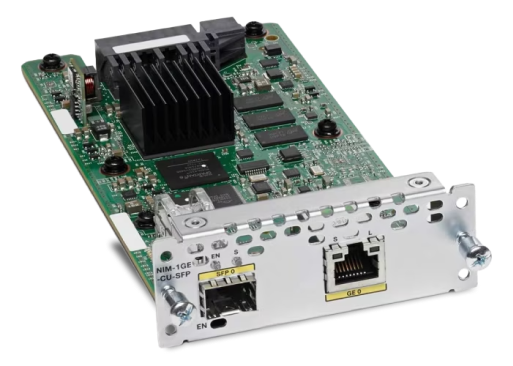
30 Matching results
- BEST SELLING
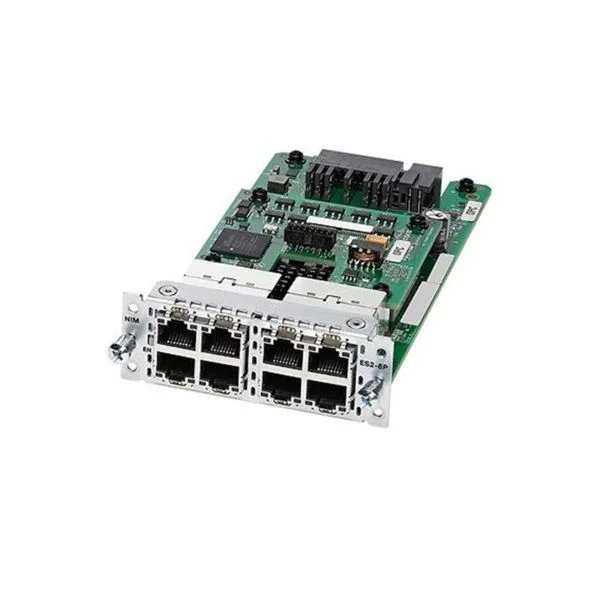
NIM-ES2-8-P (8PORT POE/POE+ LAYER 2 GE SWITCH NETWORK INTERFACE MODULE)
4.7 (10)- Network Module
- Cisco
- Ethernet Module
- 10Gbps
- RJ-45
- TCP/IP, UDP
- Modular
Est Value $1,121.00
$168.00
85% offIn stockNewRefurbishedFirst-Time Buyer Discount – Get up to 2% additional off on your first order
ORM Rewards Earn $50 in Rewards + Free Expedited Delivery – Join Now!
Use eCoupon ORMSAVE10
eCoupon limited to 5 units
- BEST SELLING
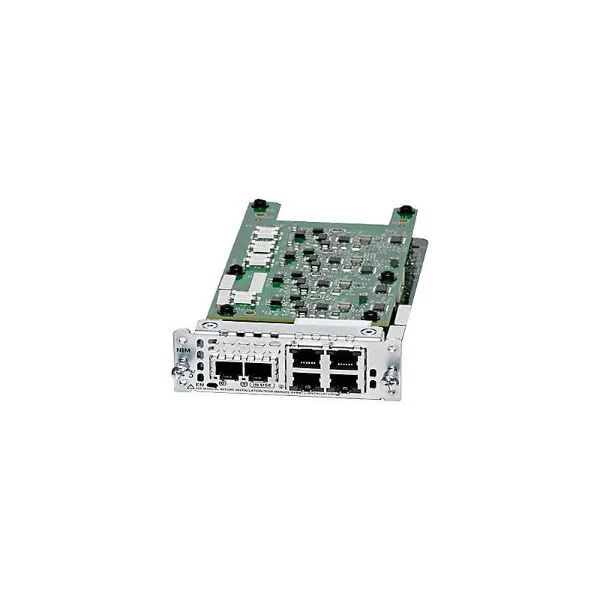
NIM-2FXS/4FXOP (Voice Module (2-port FXS and 4-port FXO))
4.6 (5)- Network Module
- Cisco
- NIM
- 1G
- RJ-11
- TCP/IP
- Modular
Est Value $1,652.00$84.00
94.9% offIn stockNewRefurbishedFirst-Time Buyer Discount – Get up to 2% additional off on your first order
ORM Rewards Earn $50 in Rewards + Free Expedited Delivery – Join Now!
Use eCoupon ORMSAVE10
eCoupon limited to 5 units
- BEST SELLING
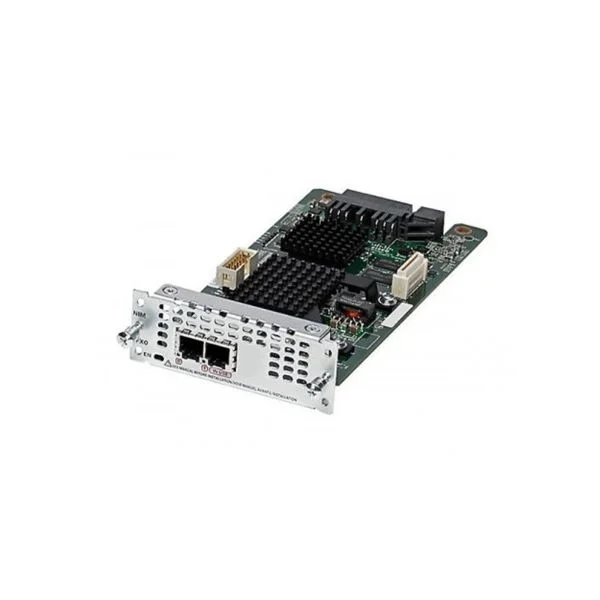
NIM-2FXO (Voice Module (2-port FXO))
4.5 (10)- Network Module
- Cisco
- WAN
- RJ-11
- Modular
Est Value $590.00$75.60
87.2% offIn stockNewRefurbishedFirst-Time Buyer Discount – Get up to 2% additional off on your first order
ORM Rewards Earn $50 in Rewards + Free Expedited Delivery – Join Now!
Use eCoupon ORMSAVE10
eCoupon limited to 5 units
- BEST SELLING
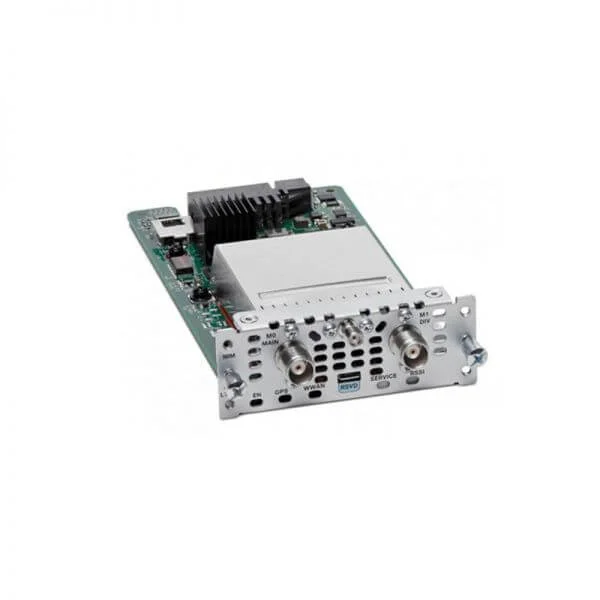
NIM-4G-LTE-GA (4G LTE NIM FOR GLOBAL EUROPE AUSTRALIA NEW ZEALAND)
4.8 (6)- Network Module
- Cisco
- 4G LTE
- TCP/IP
- Modular
Est Value $1,588.00$267.75
83.1% offIn stockNewRefurbishedFirst-Time Buyer Discount – Get up to 2% additional off on your first order
ORM Rewards Earn $50 in Rewards + Free Expedited Delivery – Join Now!
Use eCoupon ORMSAVE10
eCoupon limited to 5 units
- BEST SELLING
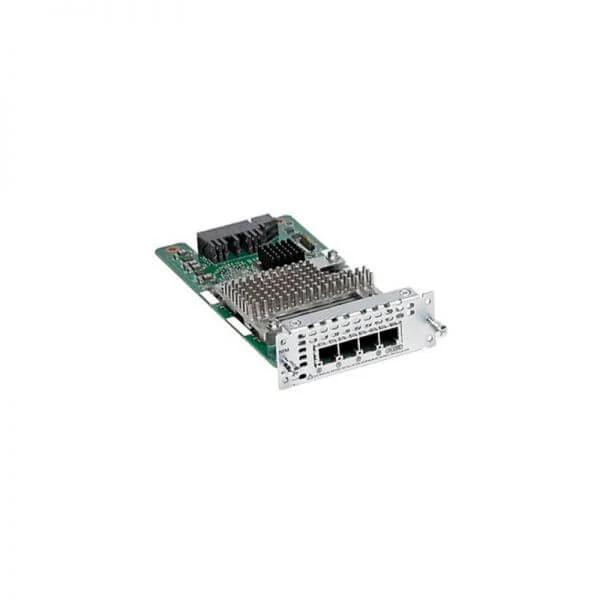
NIM-4BRI-NT/TE (4-port Network Interface Module - BRI (NT and TE))
4.7 (6)- Network Module
- Cisco
- BRI Network Module
- 64 kbps per B channel, 16 kbps per D channel
- 8P8C / RJ-45
- ISDN, TCP/IP
- NIM (Network Interface Module)
Est Value $3,539.00$1,980.83
44% offIn stockNewRefurbishedFirst-Time Buyer Discount – Get up to 2% additional off on your first order
ORM Rewards Earn $50 in Rewards + Free Expedited Delivery – Join Now!
Use eCoupon ORMSAVE10
eCoupon limited to 5 units
- FEARURED
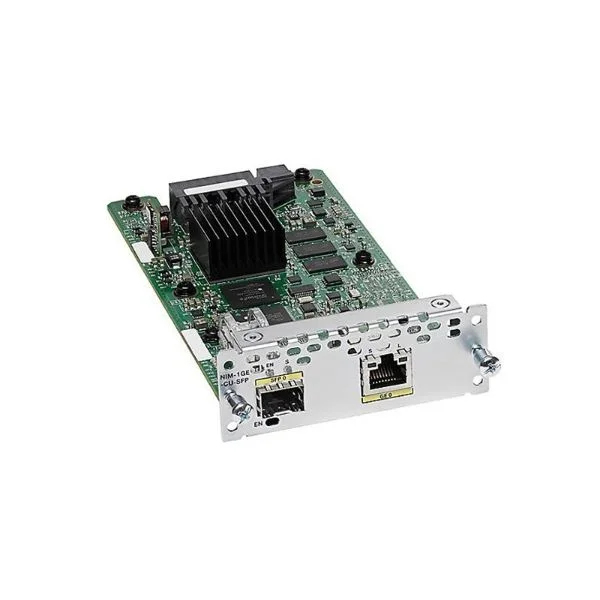
NIM-1GE-CU-SFP (Cisco 1-Port Gigabit Ethernet WAN Network Interface Module NIM-1GE-CU-SFP)
4.6 (5)- Network Module
- Cisco
- SFP
- 1G
- SFP
- TCP/IP
- Modular
Est Value $1,174.00$74.55
93.6% offIn stockNewRefurbishedFirst-Time Buyer Discount – Get up to 2% additional off on your first order
ORM Rewards Earn $50 in Rewards + Free Expedited Delivery – Join Now!
Use eCoupon ORMSAVE10
eCoupon limited to 5 units
- FEARURED
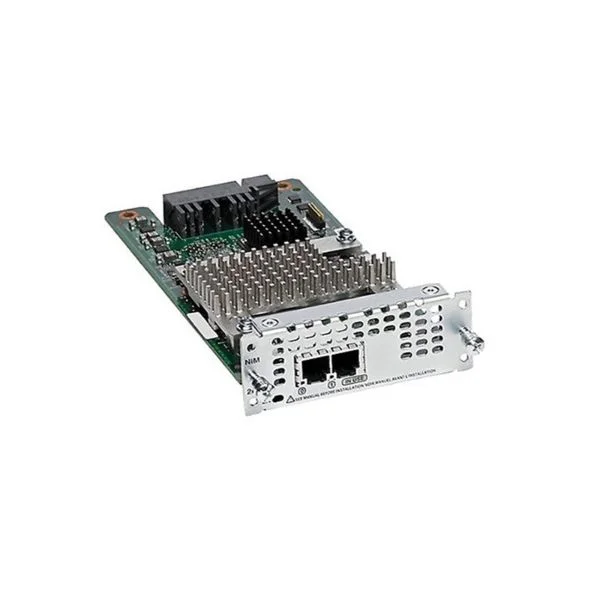
NIM-2FXSP (Voice Module (2-port FXS))
4.8 (5)- Network Module / Network Card
- Cisco
- Ethernet
- 10Gbps
- SFP+
- TCP/IP, iSCSI
- Modular
Est Value $590.00$183.75
68.9% offIn stockNewRefurbishedFirst-Time Buyer Discount – Get up to 2% additional off on your first order
ORM Rewards Earn $50 in Rewards + Free Expedited Delivery – Join Now!
Use eCoupon ORMSAVE10
eCoupon limited to 5 units
- FEARURED
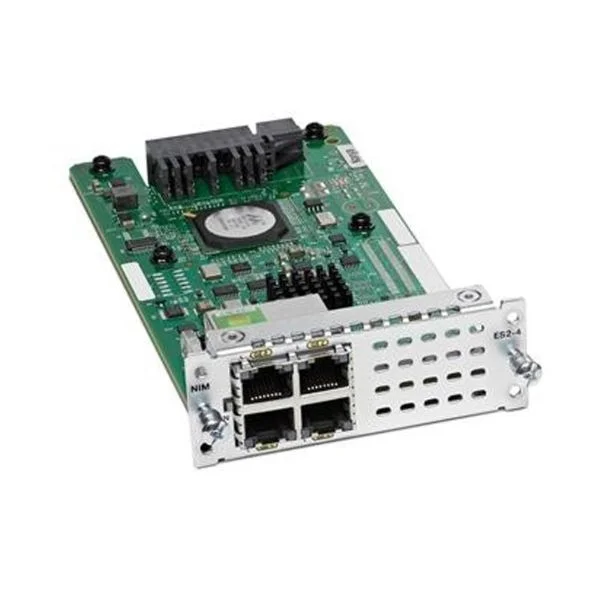
NIM-ES2-4 (4PORT LAYER 2 GE SWITCH NETWORK INTERFACE MODULE)
4.7 (10)- Network Module / Network Card
- Cisco
- Ethernet
- 10Gbps
- SFP+
- TCP/IP
- PCIe
Est Value $743.00$108.15
85.4% offIn stockNewRefurbishedFirst-Time Buyer Discount – Get up to 2% additional off on your first order
ORM Rewards Earn $50 in Rewards + Free Expedited Delivery – Join Now!
Use eCoupon ORMSAVE10
eCoupon limited to 5 units
- FEARURED
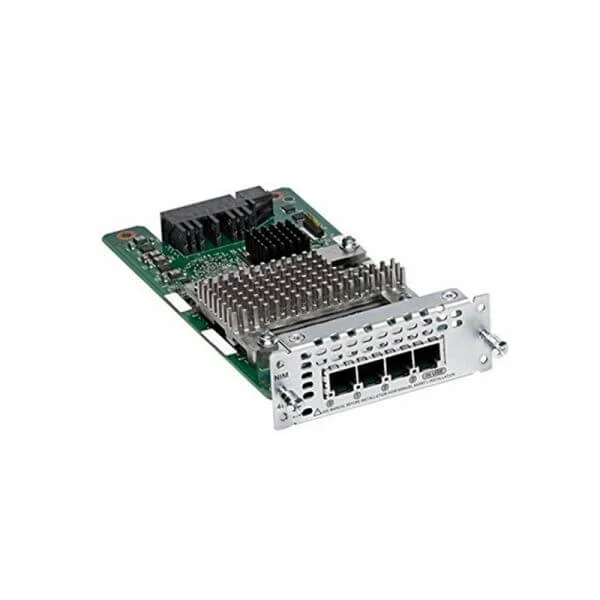
NIM-4FXSP (4-Port Network Interface Module - FXS, FXS-E and DID)
4.8 (6)- Network Module
- Cisco
- Ethernet
- 10Gbps
- SFP+
- TCP/IP
- PCIe
Est Value $856.80$99.75
88.4% offIn stockNewRefurbishedFirst-Time Buyer Discount – Get up to 2% additional off on your first order
ORM Rewards Earn $50 in Rewards + Free Expedited Delivery – Join Now!
Use eCoupon ORMSAVE10
eCoupon limited to 5 units
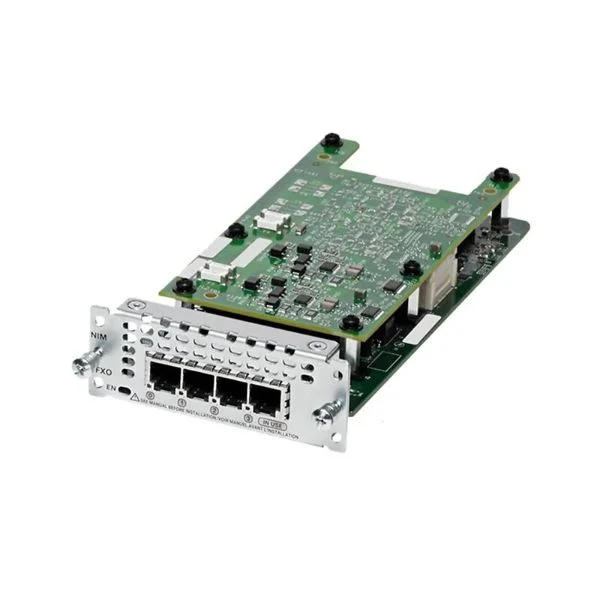
NIM-4FXO (NIM-4FXO 4-port Network Interface Module - FXO (Universal))
4.7 (10)- Network Module / Network Card
- Cisco
- WAN
- RJ-11
- FXO
- Modular
Est Value $1,180.00$49.35
95.8% offIn stockNewRefurbishedFirst-Time Buyer Discount – Get up to 2% additional off on your first order
ORM Rewards Earn $50 in Rewards + Free Expedited Delivery – Join Now!
Use eCoupon ORMSAVE10
eCoupon limited to 5 units
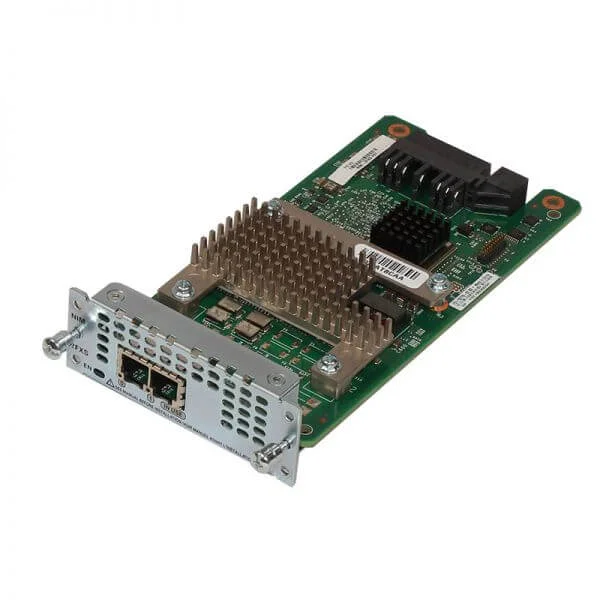
NIM-2FXS (2-Port Network Interface Module - FXS. FXS-E and DID)
4.7 (6)- Telephony Network Module
- Cisco
- FXS
- 1Gbps
- RJ-45
- TCP/IP, SIP
- PCIe
Est Value $575.00$173.23
69.9% offIn stockNewRefurbishedFirst-Time Buyer Discount – Get up to 2% additional off on your first order
ORM Rewards Earn $50 in Rewards + Free Expedited Delivery – Join Now!
Use eCoupon ORMSAVE10
eCoupon limited to 5 units
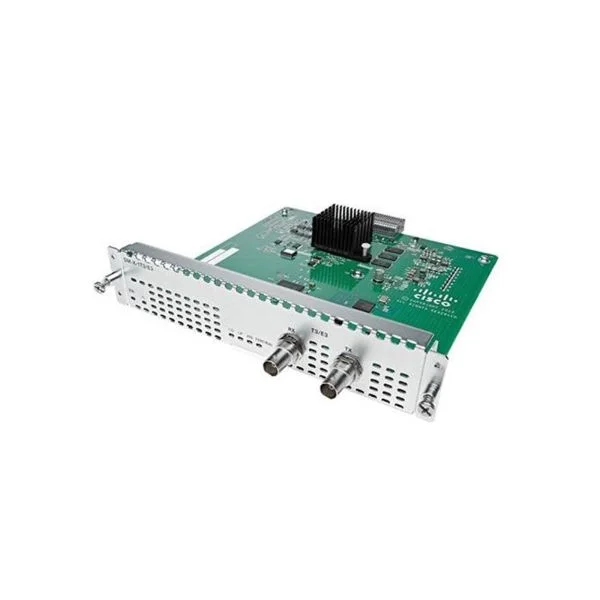
SM-X-1T3/E3 (One port T3/E3 Service module)
5 (5)- WAN Module
- Cisco
- WAN
- T3: 44.736Mbps / E3: 34.368Mbps
- Proprietary T3/E3 Connector
- Modular
Est Value $12,978.00$80.33
99.4% offIn stockNewRefurbishedFirst-Time Buyer Discount – Get up to 2% additional off on your first order
ORM Rewards Earn $50 in Rewards + Free Expedited Delivery – Join Now!
Use eCoupon ORMSAVE10
eCoupon limited to 5 units
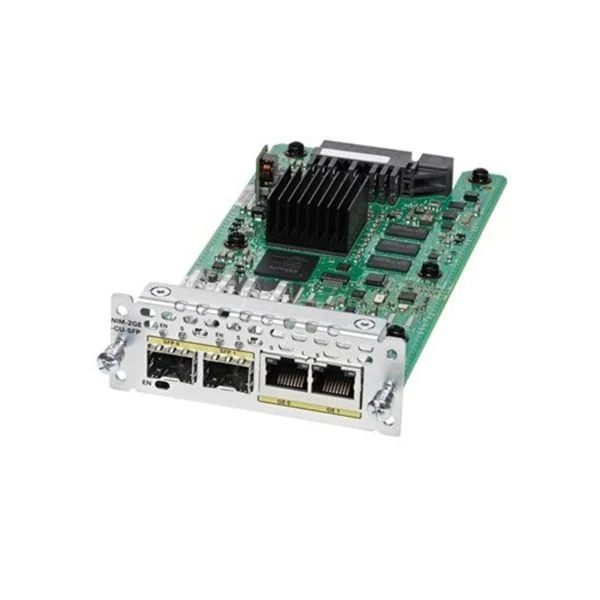
NIM-2GE-CU-SFP (Cisco 4000 Series Integrated Services Router 2-Port Gigabit Ethernet WAN Modules NIM-2GE-CU-SFP.)
4.2 (5)- Network Module
- Cisco
- Ethernet
- 1G
- RJ-45 / SFP
- TCP/IP
- Modular
Est Value $2,118.00$134.40
93.7% offIn stockNewRefurbishedFirst-Time Buyer Discount – Get up to 2% additional off on your first order
ORM Rewards Earn $50 in Rewards + Free Expedited Delivery – Join Now!
Use eCoupon ORMSAVE10
eCoupon limited to 5 units
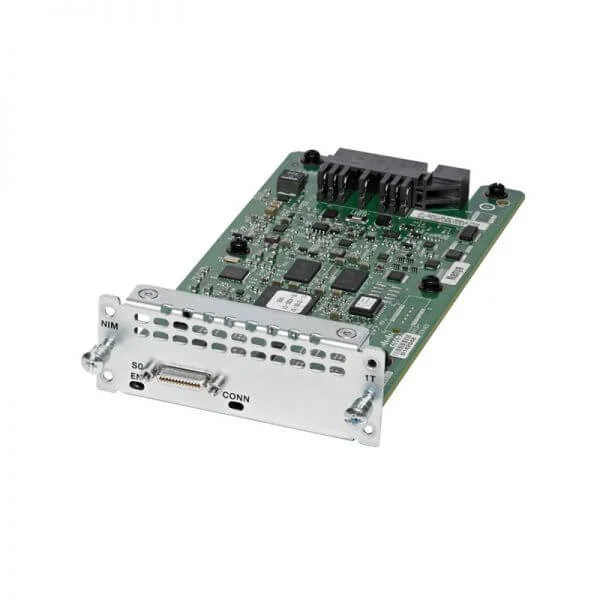
NIM-1T (1PORT SERIAL WAN INTERFACE CARD)
4.7 (6)- Network Module
- Cisco
- WAN Module
- 10G
- SFP+
- TCP/IP, iSCSI
- PCIe
Est Value $590.00$142.80
75.8% offIn stockNewRefurbishedFirst-Time Buyer Discount – Get up to 2% additional off on your first order
ORM Rewards Earn $50 in Rewards + Free Expedited Delivery – Join Now!
Use eCoupon ORMSAVE10
eCoupon limited to 5 units
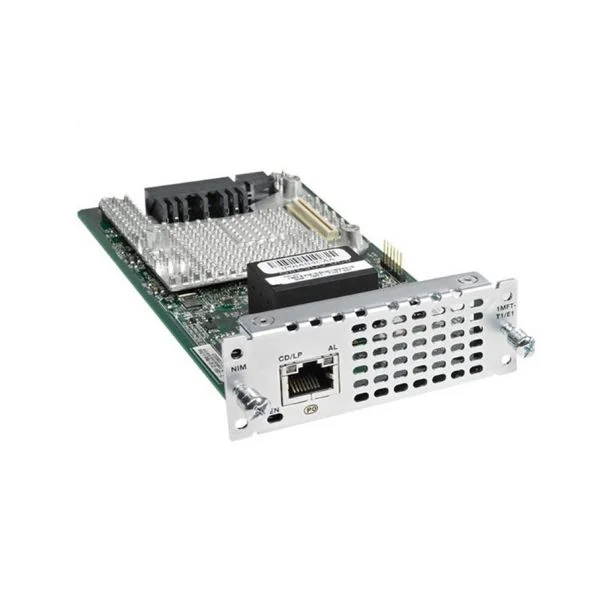
NIM-1CE1T1-PRI (Cisco Multiflex Trunk Voice and WAN network interface module NIM-1CE1T1-PRI)
4.6 (10)- Network Module
- Cisco
- Ethernet
- 10Gbps
- SFP+
- TCP/IP
- PCIe
Est Value $2,832.00$339.57
88% offIn stockNewRefurbishedFirst-Time Buyer Discount – Get up to 2% additional off on your first order
ORM Rewards Earn $50 in Rewards + Free Expedited Delivery – Join Now!
Use eCoupon ORMSAVE10
eCoupon limited to 5 units
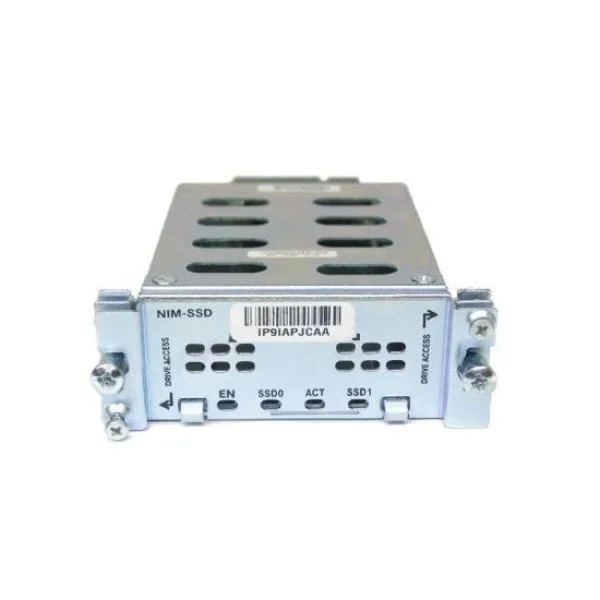
NIM-SSD (NIM Carrier Card for SSD Drives)
4.6 (5)- Network Module / Network Card
- Cisco
- NIM
- 10G
- SFP+
- TCP/IP, iSCSI
- PCIe
Est Value $590.00$254.10
56.9% offIn stockNewRefurbishedFirst-Time Buyer Discount – Get up to 2% additional off on your first order
ORM Rewards Earn $50 in Rewards + Free Expedited Delivery – Join Now!
Use eCoupon ORMSAVE10
eCoupon limited to 5 units
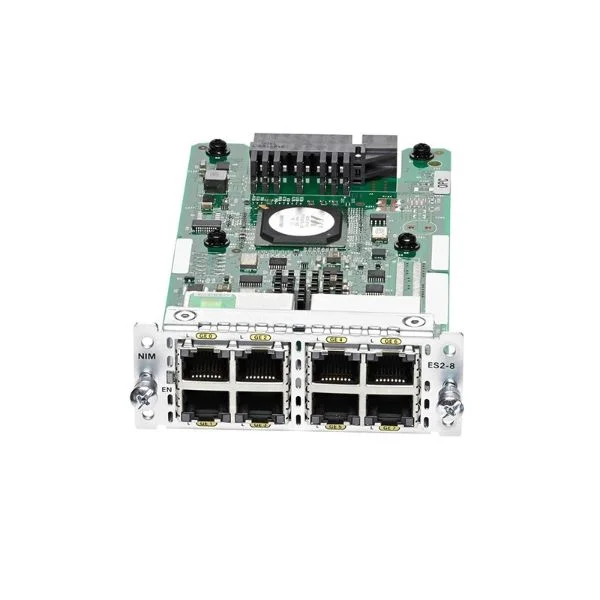
NIM-ES2-8 (Cisco 4000 Series Integrated Services Router 8-Port Gigabit Ethernet Switch Module NIM)
4.9 (10)- Network Module / Network Card
- Cisco
- Ethernet
- 10G
- RJ-45
- TCP/IP
- PCIe
Est Value $1,003.00$203.70
79.7% offIn stockNewRefurbishedFirst-Time Buyer Discount – Get up to 2% additional off on your first order
ORM Rewards Earn $50 in Rewards + Free Expedited Delivery – Join Now!
Use eCoupon ORMSAVE10
eCoupon limited to 5 units
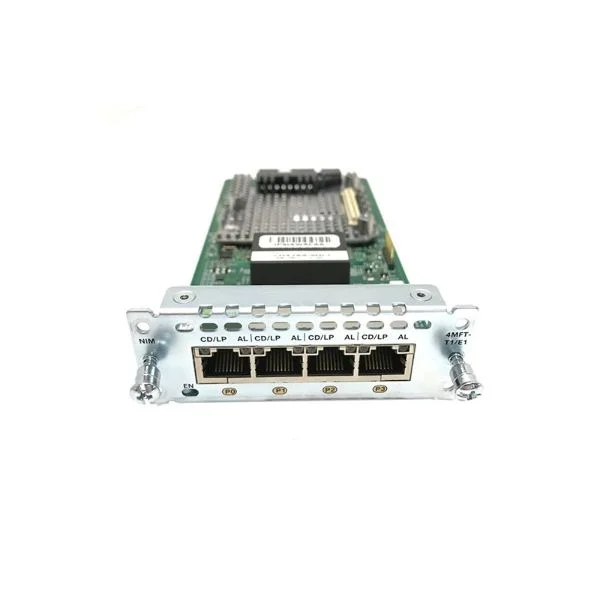
NIM-4MFT-T1/E1 (4 port Multiflex Trunk Voice/Clear-channel Data T1/E1 Module)
4.8 (10)- Network Interface Module
- Cisco
- T1/E1 Interface Card
- 1.544 Mbps (T1) / 2.048 Mbps (E1)
- RJ-48
- T1/E1 Framing and Signaling
- Modular
Est Value $5,191.00$52.50
99% offIn stockNewRefurbishedFirst-Time Buyer Discount – Get up to 2% additional off on your first order
ORM Rewards Earn $50 in Rewards + Free Expedited Delivery – Join Now!
Use eCoupon ORMSAVE10
eCoupon limited to 5 units
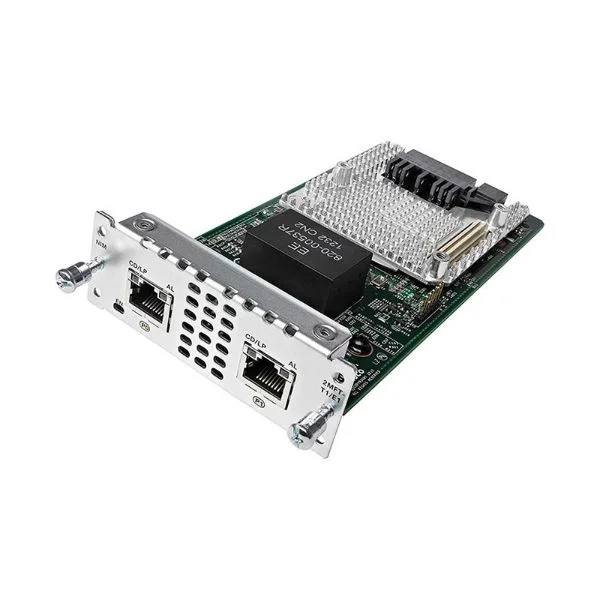
NIM-2MFT-T1/E1 (2 port Multi-flex Trunk Voice/Clear-channel Data T1/E1 Module)
4.7 (10)- Network Module / Network Card
- Cisco
- WAN Module - T1/E1
- T1: 1.544 Mbps / E1: 2.048 Mbps
- RJ-48
- T1/E1 Framing, HDLC
- Modular
Est Value $2,596.00$51.45
98% offIn stockNewRefurbishedFirst-Time Buyer Discount – Get up to 2% additional off on your first order
ORM Rewards Earn $50 in Rewards + Free Expedited Delivery – Join Now!
Use eCoupon ORMSAVE10
eCoupon limited to 5 units
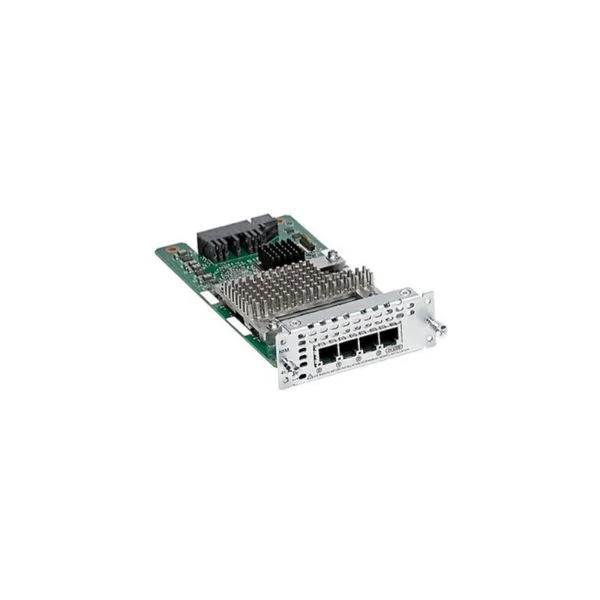
NIM-4FXS (Cisco 4-Port Network Interface Module - FXS. FXS-E and DID, for ISR4451-X)
4.8 (10)- Network Module
- Cisco
- FXS Telephony Module
- FXS
- SIP / H.323
- Modular (NIM)
Est Value $1,150.00$89.25
92.2% offIn stockNewRefurbishedFirst-Time Buyer Discount – Get up to 2% additional off on your first order
ORM Rewards Earn $50 in Rewards + Free Expedited Delivery – Join Now!
Use eCoupon ORMSAVE10
eCoupon limited to 5 units

ORM Sales Advisors
Buying for your business? Get a personalised quote in under 2 hours. Talk to an expert
LEARNFilters (30) 
Questions & Answers
What are Cisco ISR 4000 router modules and cards?
Cisco ISR 4000 router modules and cards are modular hardware components that extend the connectivity, security, and performance of the ISR 4000 series by adding interfaces (Ethernet, T1/E1, DSL, cellular), services (WAN optimization, security, voice) and advanced features.
Which network interface modules are available for Cisco ISR 4000?
Cisco ISR 4000 supports Network Interface Modules (NIM) and Service Modules (SM-X), including Ethernet NIMs (1G, 10G), T1/E1 NIMs, DSL/Cable NIMs, LTE/4G modules, and integrated SM-X options for high-density Ethernet, WAN optimization and voice.
How do I choose the right module for my Cisco ISR 4000 router?
Select modules based on required port types (Ethernet, T1/E1, cellular), bandwidth needs, form factor (NIM vs. SM-X), power/goals, and feature licenses. Review the data sheet for slot capacity, performance tiers, and IOS support.
Are Cisco ISR 4000 modules hot-swappable?
Most Cisco ISR 4000 NIMs and SM-X modules support hot-swap when installed in routers with redundant power supplies and the correct IOS image. Always consult the hardware installation guide and pre-check compatibility.
What maximum throughput do Cisco ISR 4000 modules support?
Throughput varies by module: e.g., SM-X-1GE ports support up to 1 Gbps each, LTE-A modules up to 150 Mbps, and SM-X-10GE up to 10 Gbps. Overall router performance is governed by the selected performance license tier.
Can I mix different module types in the same Cisco ISR 4000 chassis?
Yes. You can install NIM, SM-X and integrated modules in the same ISR 4000 chassis within slot and power budget limits. Follow Cisco slot population and power-budget guidelines in the installation manual.
How do I install a module in a Cisco ISR 4000 router?
1. Power off the router. 2. Remove the blank faceplate. 3. Slide the module into the slot until it locks. 4. Secure with screws. 5. Power on and verify installation with 'show platform' in the CLI.
What power supplies are required for Cisco ISR 4000 modules?
Cisco ISR 4000 supports AC and DC power supplies with redundant options. Power-budget requirements vary by module; consult the hardware installation guide for the correct PSU model and wattage per module.
Which SFP transceivers are compatible with Cisco ISR 4000 cards?
Compatible SFP/SFP+ optics include Cisco GLC series (GLC-SX-MMD, GLC-LH-SMD), 10G SFP+ (SFP-10G-SR, SR-LX), and DWDM modules. Verify optics support in the ISR 4000 software and hardware compatibility matrix.
How do I upgrade firmware on Cisco ISR 4000 modules?
1. Copy the new IOS image to flash via TFTP/FTP. 2. Update the boot variable with 'boot system'. 3. Reload the router. 4. Confirm firmware version with 'show version'. For module-specific updates, follow Cisco TAC guidance.
Do Cisco ISR 4000 routers support PoE modules?
Yes. ISR 4000 supports PoE via the SM-X-8-PoE module, delivering IEEE 802.3af/at power for IP phones, wireless access points and other PoE devices directly from the router.
What WAN interface options are available for Cisco ISR 4000?
WAN options include T1/E1 NIMs, DSL/Cable NIMs, LTE/4G-A modules, Ethernet and fiber via SM-X or SFP, and optional voice/WAN optimization modules. Choose based on service provider and bandwidth requirements.
How do I troubleshoot a faulty Cisco ISR 4000 module?
Check system logs with 'show log', verify module status via 'show platform', reseat the module, ensure IOS compatibility, inspect LEDs, and if unresolved, escalate to Cisco TAC with module serial details.
Can I manage ISR 4000 modules with Cisco DNA Center?
Yes. Cisco DNA Center offers automated provisioning, inventory tracking, health monitoring, firmware management and analytics for all modules in the ISR 4000 series via its northbound APIs.
What licensing is required for Cisco ISR 4000 interface modules?
Interface modules may require Performance, Security or Unified Communications licenses. Activate features through Smart Licensing. Refer to the feature-license matrix for each module in the Cisco product documentation.
How do I verify module status on my Cisco ISR 4000 router?
Use CLI commands like 'show platform hardware slot status' or 'show inventory' to display module presence, part number, serial number and operational state on the ISR 4000.